

7 B2B LinkedIn Ad Examples to Steal in 2026
Last Updated
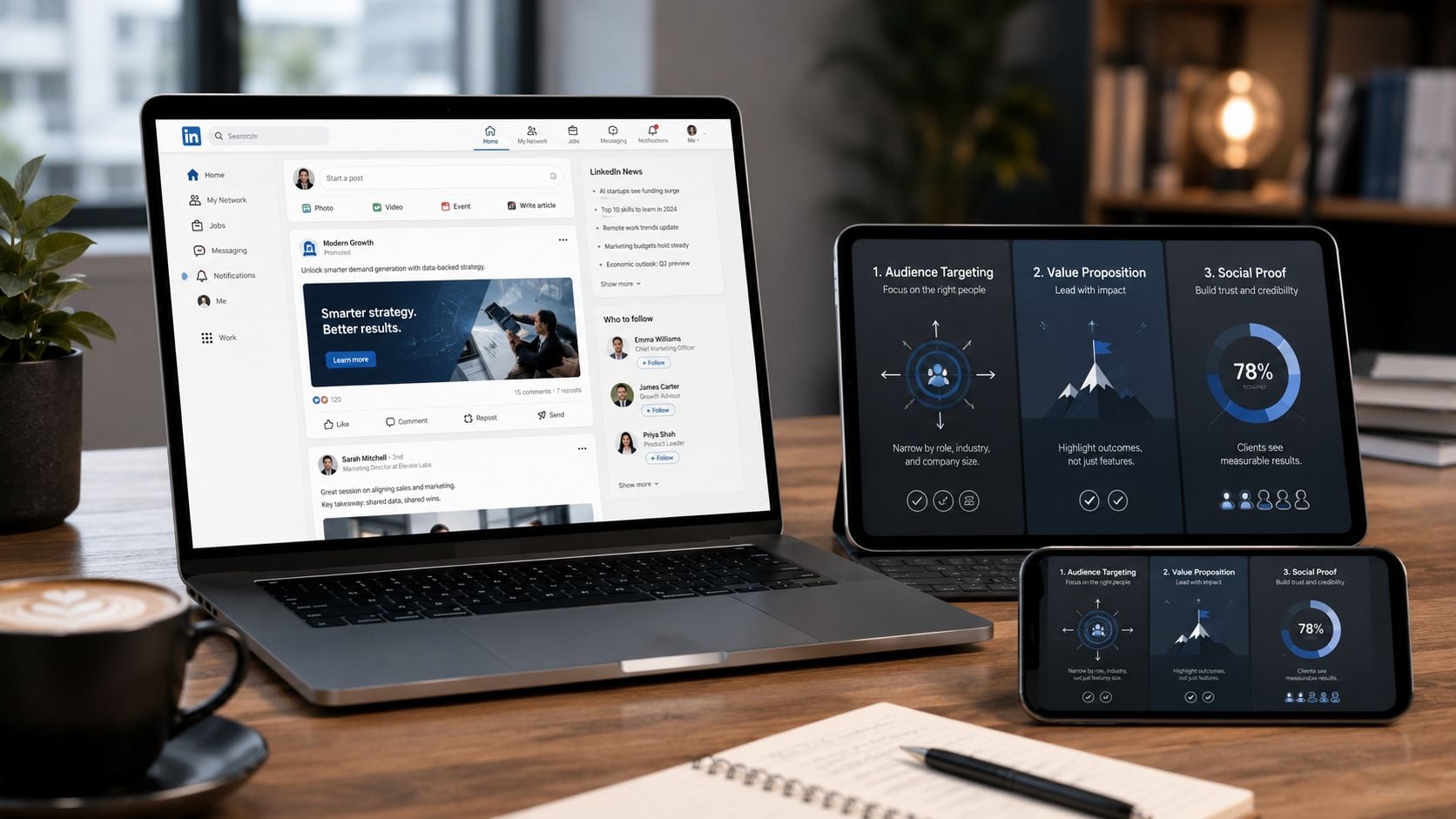
You open LinkedIn, see another polished B2B ad, and can already predict the result. Nice design, broad promise, weak proof, vague CTA. It gets a glance and disappears.
Strong B2B LinkedIn ads work differently. They match the offer to the buyer's level of intent, give the reader a reason to care in a few seconds, and make the next click feel justified. That is the standard worth studying, especially if you are building campaigns with a LinkedIn ad agency or reviewing your own account structure in-house.
LinkedIn already holds a serious role in B2B marketing. LinkedIn's marketing solutions team notes that 4 out of 5 LinkedIn members drive business decisions, which raises the bar for ad quality. You are often speaking to people with budget influence, but they are also quick to ignore weak positioning, generic pain points, and landing pages that ask for too much too early.
That is why this article goes past a swipe file. Each example is broken down by copy, creative, targeting logic, and CTA so you can see what likely made it work, where the trade-offs sit, and what to test in your own campaigns. Where useful, I also point to replicable patterns, such as how to frame a problem-first hook for cold audiences or when to test lead gen forms against a landing page.
If you want broader context alongside these examples, these insights on social media ads are a useful complement. The focus here stays narrow and practical: what the ad is doing, why it fits LinkedIn, and how to adapt the idea without copying it blindly.
1. Grow with Social Network Marketing Services
If you want a practitioner's benchmark instead of another swipe file, Social Network Marketing Services by Click Click Bang Bang is the strongest featured pick here. It's not a gallery page. It's a managed system built around the exact things most LinkedIn campaigns get wrong: platform-native messaging, conversion tracking, audience alignment, and ongoing optimisation.
For B2B LinkedIn ad examples, that matters more than another pretty screenshot. Teams usually don't need more inspiration. They need a repeatable operating model that turns a creative concept into a campaign structure with tracking, reporting, and fast iteration.
Why this approach converts better
Click Click Bang Bang's setup is practical. Onboarding starts with a strategist consultation and a detailed questionnaire, campaigns can be live within seven days, and clients get a live reporting portal with monthly performance summaries. The service is also modular, with no long-term lock-ins and a risk-reduction offer that makes testing easier for businesses that don't want to commit blindly.
That combination changes the quality of the ad itself. When strategy, tracking, and creative are tied together from day one, the copy gets sharper because the team knows what outcome the ad needs to drive.
Practical rule: Good LinkedIn ads usually start with offer clarity, not design. The visual supports the argument. It doesn't replace it.
There's also a useful cross-channel advantage. The team works across Meta and LinkedIn, which helps when you need one message adapted to two very different feeds. LinkedIn usually rewards proof, specificity, and professional relevance more than broad lifestyle positioning. If you need specialist help with that, their LinkedIn Ads agency service is directly relevant.
What to copy from this model
Use this structure when building your own ad program:
- Lead with one measurable promise: Pick one business problem, one audience, and one offer.
- Match the CTA to intent: Cold traffic should get education or low-friction value. Warmer traffic can handle a direct response ask.
- Instrument everything early: Connect analytics, forms, and conversion events before launch, not after spend starts.
- Review creative in context: A strong headline can still fail if the audience is too broad or the conversion path adds friction.
The trade-off is simple. This kind of system works best when you have enough budget and patience to let optimisation do its job. Very small budgets can struggle because LinkedIn needs room to learn, and businesses chasing niche platforms beyond Meta and LinkedIn may need other support too. If you want broader reading on channel-level creative patterns, these insights on social media ads are useful context.
2. AdKit
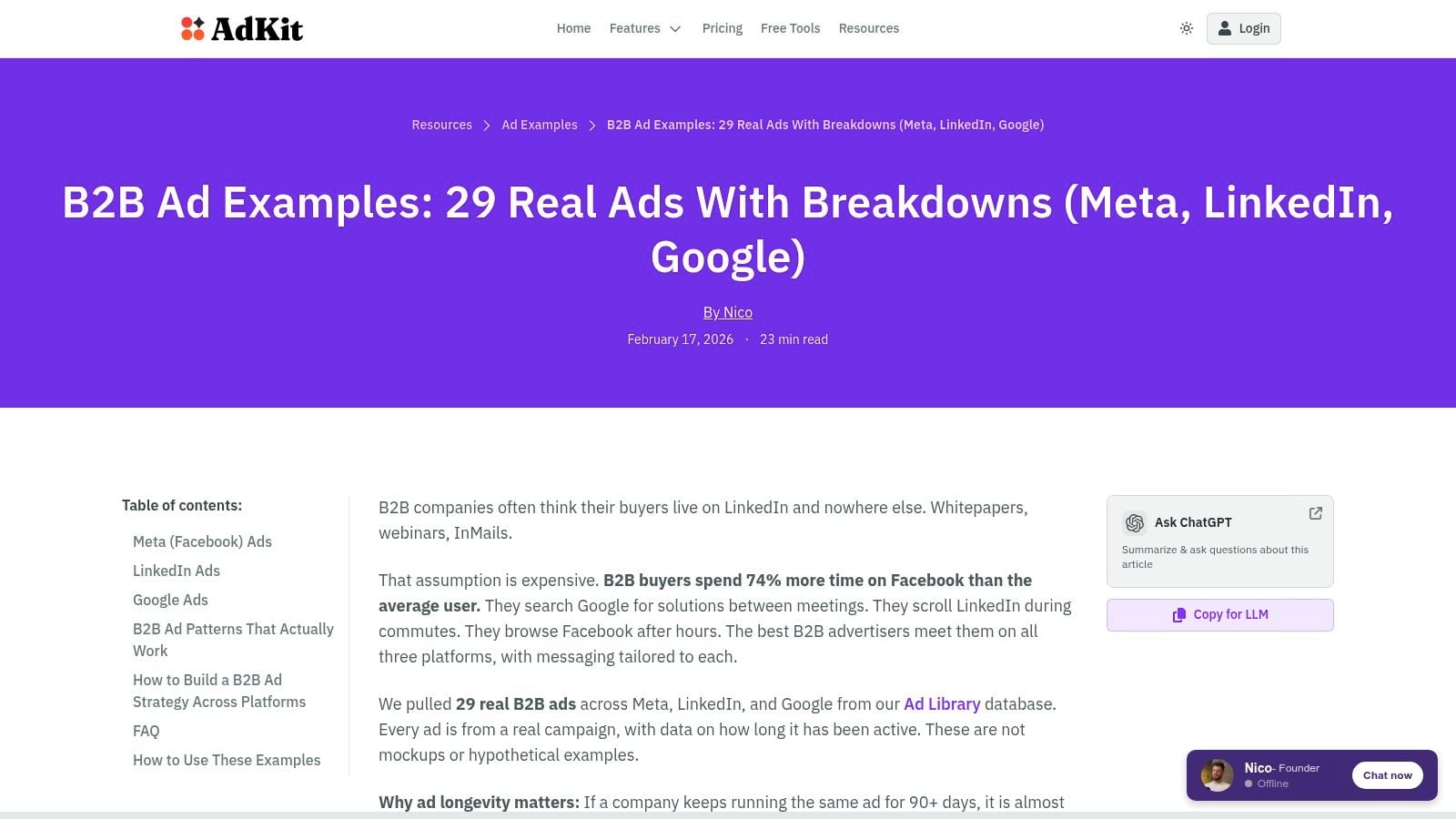
AdKit's B2B ad examples library is useful when your team doesn't need a full strategic deep dive yet. You need fresh angles, stronger hooks, and clearer proof elements. AdKit is good at showing those quickly.
What I like is the curation bias. The examples tend to highlight credibility signals instead of decorative creative. That's the right emphasis for LinkedIn, where weak proof kills response faster than plain design.
Best use case
AdKit works well in creative briefing sessions. A marketer can pull examples for testimonial-led ads, stat-led layouts, lead magnets, or trust-heavy product ads, then turn them into ad concepts without having to reverse-engineer the format from scratch.
Its biggest strategic value is the gap it exposes. Public B2B LinkedIn ad examples often stay generic, while Australian teams usually need to think harder about buyer language, compliance tone, and smaller audience pools. AdKit surfaces broad creative patterns well, but it doesn't fully solve the AU-specific question of what a high-performing ad looks like when audience size limits ultra-granular segmentation.
Most example libraries are good at showing ad shapes. They're less useful at showing what changes when your addressable market is smaller and every audience split affects scale.
That's where campaign judgement matters. In smaller AU pools, I'd usually test broader role clusters with tighter message relevance before going too narrow on job title.
What to borrow and test
Try these from the AdKit style of examples:
- Test proof-first intros: Open with a customer outcome, a sharp pain point, or a clear operational benefit.
- Use credibility in the creative itself: Logos, recognisable categories, or offer framing often do more work than abstract brand visuals.
- Build variants by funnel stage: One version for awareness, one for consideration, one for retargeting.
The downside is obvious. AdKit isn't exclusively LinkedIn, so you need to filter with some discipline. And because it's a public gallery, you won't get deep performance data for each example. That's fine for ideation. It's less useful if you're trying to diagnose why LinkedIn ads fail and it's not because they're too expensive.
3. AdDogs
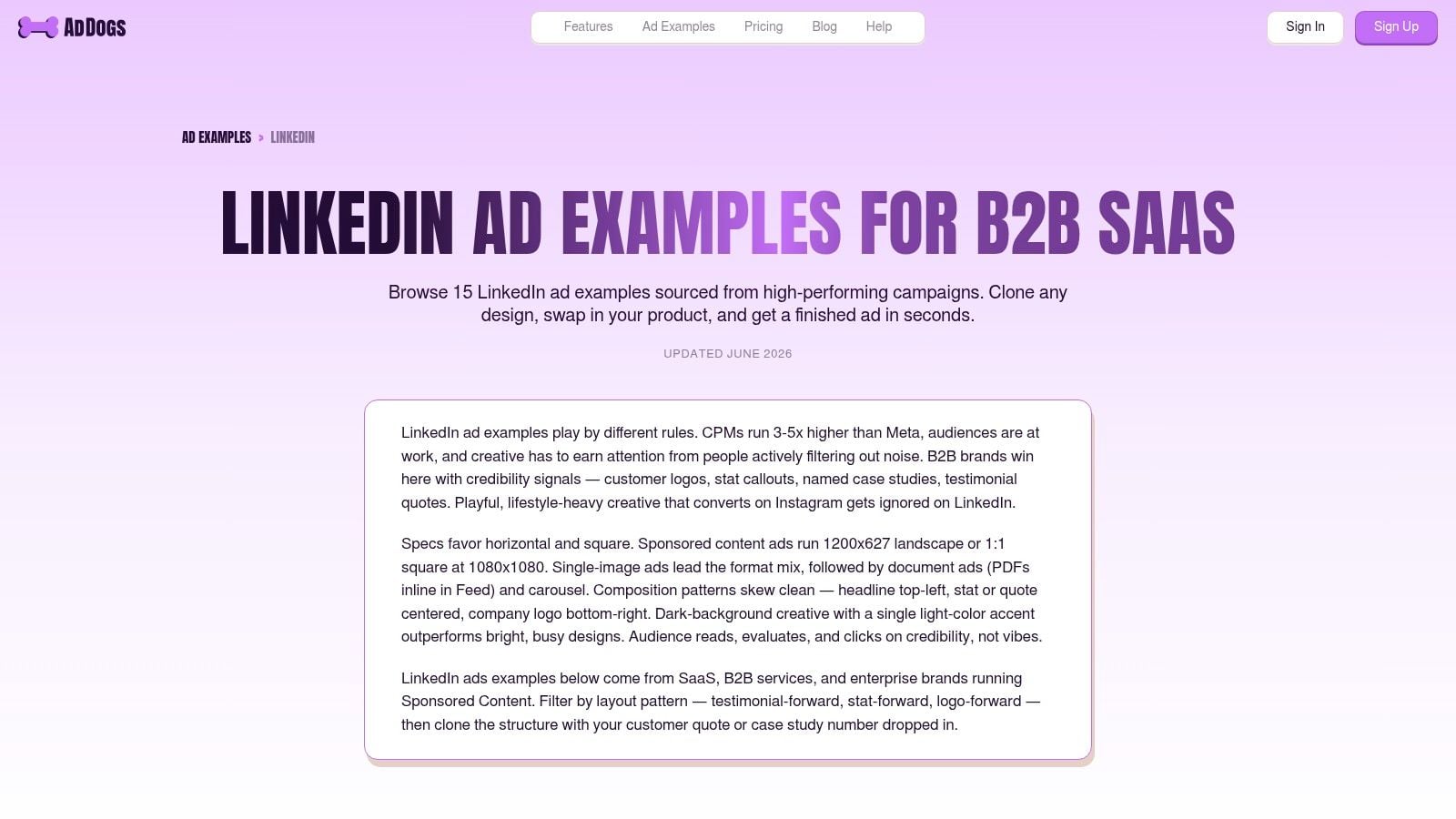
You have an offer approved, a deadline at the end of the week, and a creative team asking what the ad should look like. AdDogs LinkedIn ad examples is useful in that situation because it organizes ads by pattern, not by vague inspiration.
That distinction matters. A swipe file is only helpful if it gets you from observation to production. AdDogs does that well for B2B teams running proof-heavy campaigns, especially in SaaS, services, and replacement-category offers where the ad needs to establish credibility fast.
Where AdDogs earns its keep
AdDogs is strongest after the positioning work is done. You already know the audience, the pain point, and the offer. The job now is to choose a format that carries proof clearly in-feed and gives you a clean testing plan.
That makes it a practical resource for teams building lead gen and demo campaigns. The examples are grouped in a way that helps you spot execution patterns quickly. Customer quote layouts. Single-stat creatives. Brand-logo trust stacks. Side-by-side comparisons.
I like that because it shortens the path from strategy to asset.
If you manage LinkedIn campaigns at scale, that speed matters as much as creative quality. The ad concept still needs to fit the audience, offer, and follow-up flow, but a cleaner production process usually leads to better testing discipline. That is a big part of effective LinkedIn Ads management for B2B lead generation.
What to copy from these examples
The best use of AdDogs is not copying a design. It is borrowing a structure and replacing every element with your own proof.
Three patterns stand out:
- Testimonial-led ad: Lead with the pain point, add a short customer quote, show the company or customer logo, then use a direct CTA such as Book a demo or See how it works.
- Stat-led ad: Put one proof point in the visual, then write body copy that explains the business impact behind the number.
- Comparison ad: Show the current process beside the improved one. This works well for tools replacing spreadsheets, manual reporting, agency churn, or legacy software.
Each one maps to a different buyer objection. Testimonial ads reduce perceived risk. Stat-led ads support performance claims. Comparison ads help buyers justify change internally.
How I would test it
Keep the test design tight.
Start with one format and write two copy angles for the same audience. For example, run a testimonial-led version with an efficiency angle against a revenue angle, using the same creative and CTA. If one message wins, keep the message and test the creative treatment next.
A simple testing grid works well here:
- Variable 1: Headline angle
- Variable 2: Proof type, quote, metric, or comparison
- Variable 3: CTA language
- Hold constant: Audience, offer, format, and landing page
That order matters. If you change the image, copy, CTA, and audience at the same time, you have no idea what caused the result.
The trade-off
AdDogs helps with ad construction. It does not do much for targeting logic, bid strategy, or funnel sequencing. That is the trade-off.
Use it when the team needs sharper creative patterns and faster asset decisions. Look elsewhere for account architecture. On LinkedIn, plenty of campaigns miss because the ad fails to communicate proof in the first few seconds, and AdDogs is useful precisely because it keeps the focus there.
4. AdsCreator
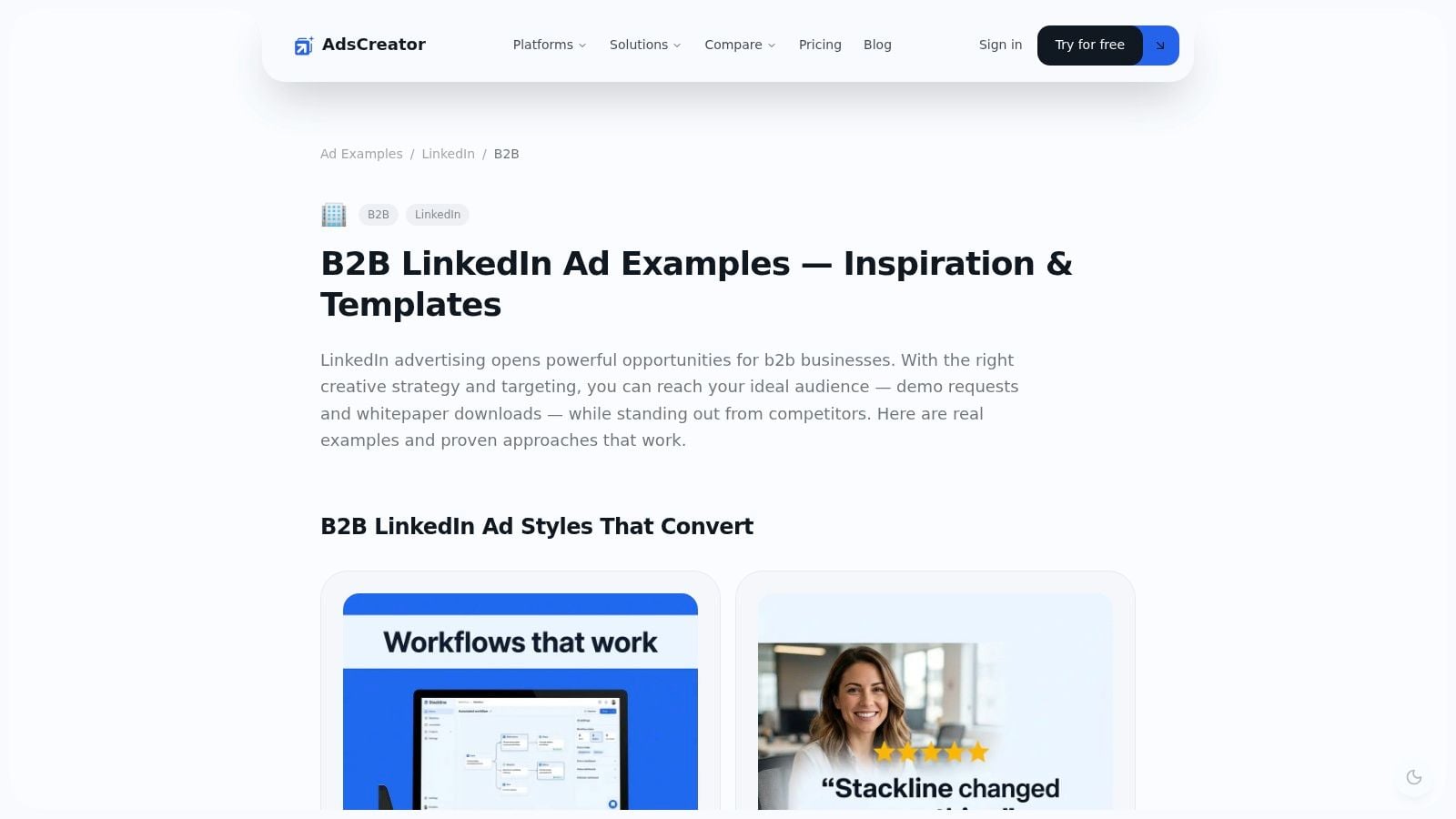
AdsCreator's B2B LinkedIn ad examples are best for teams that need to go from concept to asset quickly. It pairs examples with templates and format guidance, which is useful when design resources are thin or stakeholders need to see something concrete before approving a direction.
This isn't where I'd go for deep strategic thinking. It is where I'd go when the campaign needs assets now and the team wants cleaner production discipline.
Why template-led tools matter
Template tools are underrated in B2B because they reduce friction inside the marketing team. If copy, design, and paid media all interpret the ad differently, launch quality drops. AdsCreator helps standardise the visual side without forcing every ad into the same look.
That's especially useful if you're testing across multiple ad types and want visual consistency without rebuilding every asset by hand. For managed execution, this is the kind of operational layer that supports stronger LinkedIn Ads management.
The best template is the one that disappears. If people notice the layout before they understand the offer, the ad is doing the wrong job.
Practical ways to use it
Use AdsCreator to speed up three common workflows:
- Creative translation: Turn one approved message into multiple layouts without losing the core promise.
- Stakeholder sign-off: Show a near-final visual early, so feedback happens before production drags on.
- Cross-channel reuse: Adapt a LinkedIn concept for other paid social channels while keeping the offer consistent.
The limitation is that templates can make weak teams lazier. If your message is vague, a cleaner design won't rescue it. Some outputs can also feel generic if you don't replace stock phrasing with buyer-specific language.
That's the core trade-off. AdsCreator saves time. It doesn't replace positioning work. Use it once you already know what the ad should say.
5. IVRIstech
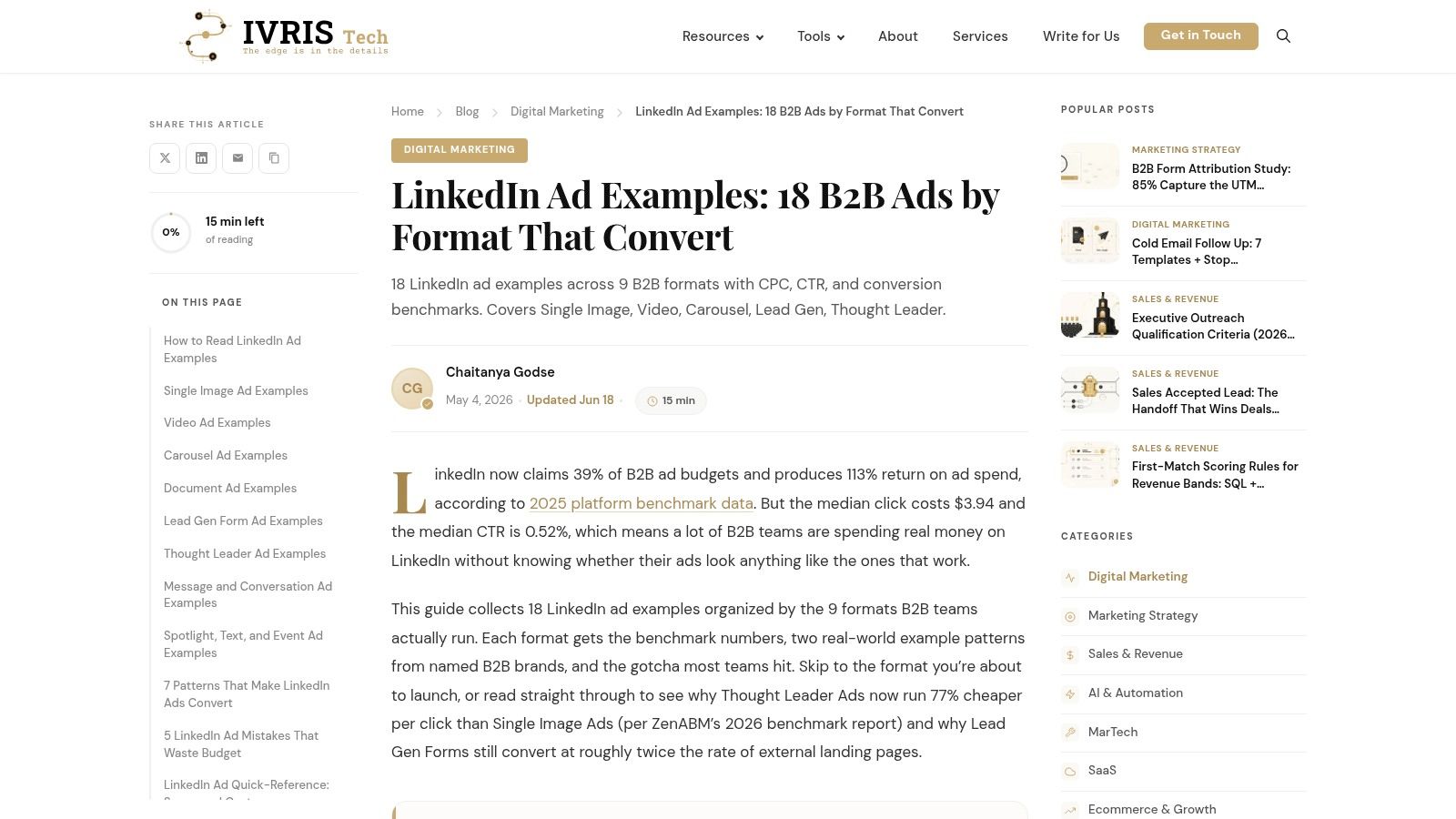
IVRIstech's LinkedIn ad examples guide is organised by format, and that makes it more useful than many general roundups. If your team keeps asking whether a single image, carousel, video, or lead form is the “best” option, this kind of format-led breakdown is a good reset.
Different formats solve different jobs. A lot of wasted spend comes from asking one format to do everything.
How to use the format mix properly
IVRIstech helps marketers think in sequences instead of one-off ads. That's the right mindset. A document ad can educate. A video can qualify attention. A lead form can harvest demand once the audience knows why they should care.
A good example of format and funnel alignment comes from the MobyCap case study. Upgrow reported that optimising audience segmentation and switching to LinkedIn native lead forms was associated with 800% more leads and an 82% reduction in cost, while native forms plus custom qualifier questions increased conversion rates by 264%. That's not a reason to force lead forms into every campaign. It is a strong reminder that low-friction conversion paths matter when intent already exists.
Useful tests from this style of guide
If you're planning a multi-format campaign, test format by audience temperature:
- Cold audiences: Educational single image or short video with a low-friction CTA.
- Engaged audiences: Document ads, stronger proof, and more specific problem framing.
- Warm audiences: Native lead forms with qualifier questions that help sales sort intent.
The weak point is depth. IVRIstech won't give you much on bidding logic or audience quality. But for format planning, it's practical. It helps teams stop debating personal preferences and start matching ad format to buyer readiness.
6. Landingi
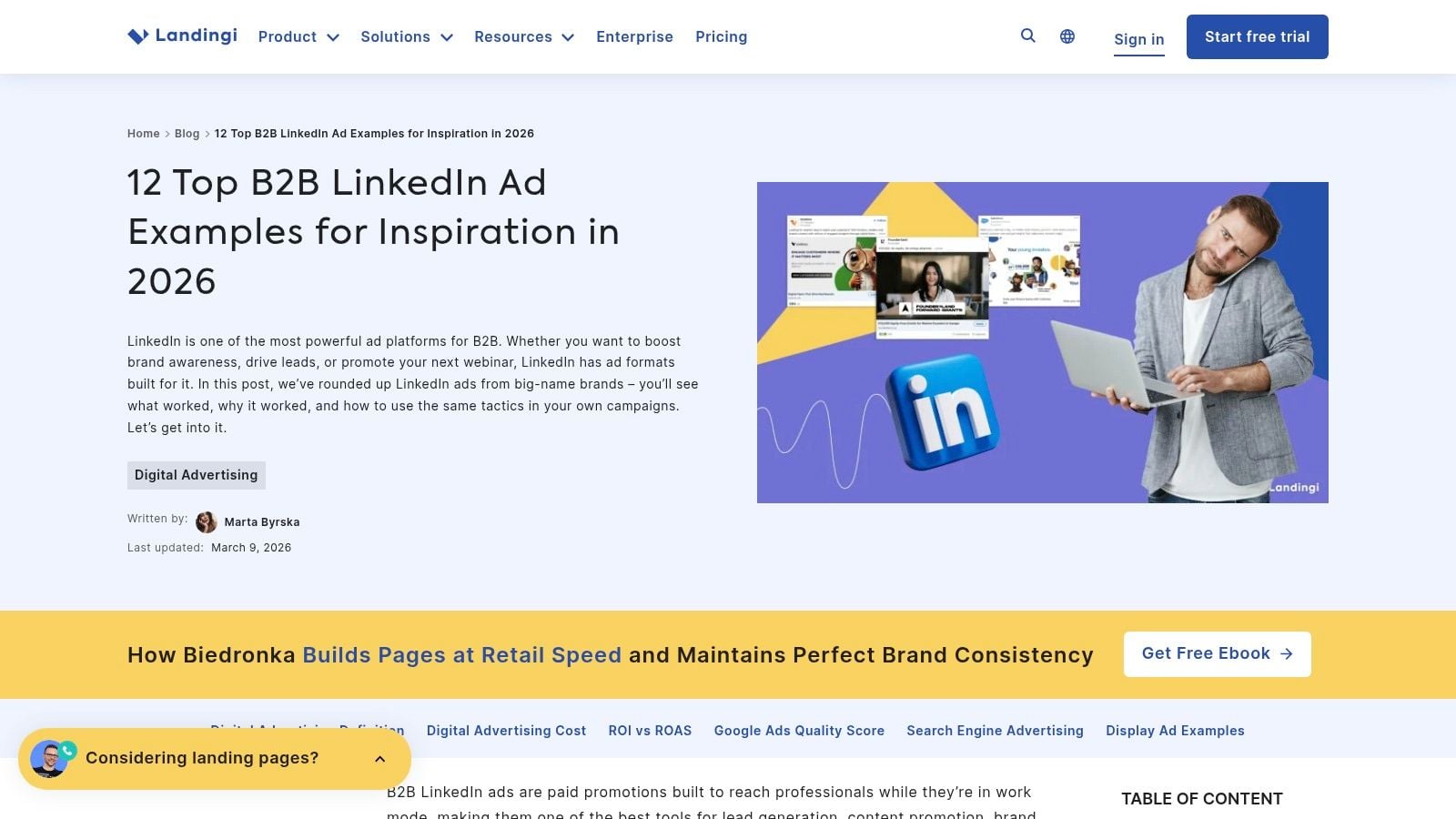
A common LinkedIn workflow looks like this. The team agrees on the offer, then burns half a week arguing about how the ad should look in-feed. Landingi is useful at that stage because it gives marketers a quick bank of current examples across lead gen, content promotion, and event campaigns.
Its value is speed.
I use resources like this to sharpen creative direction before launch. They help answer practical questions fast. Should the visual carry the proof point? Should the headline do the heavy lifting? Is the asset itself strong enough to act as the focal point? That makes Landingi more useful as a briefing tool than a strategy document.
Where it earns its place
Landingi is strongest as a pattern library. The examples make it easier to spot what good B2B LinkedIn ads often have in common: one audience, one pain point, one clear next step. That sounds basic, but teams still dilute ads by trying to speak to several job functions at once.
That is where this kind of roundup helps. It gives you enough raw material to break an ad down properly instead of treating it like inspiration only. Review each example through four lenses: copy, creative, targeting, and CTA. If one element is doing too much work, the ad usually loses force.
For example, if the creative is generic, the copy has to work harder to qualify the reader. If the offer is weak, no CTA tweak will rescue conversion rate. If the audience is too broad, even strong creative will produce noisy results.
Strong tests inspired by Landingi
Use Landingi-style examples to build focused A/B tests, not swipe-file theatre:
- Creative-first test: Keep the copy and audience fixed. Swap a product visual, a stat graphic, and a speaker or customer image.
- Headline-role test: Run one version where the image carries the hook and another where the headline carries it.
- CTA-match test: Pair the same ad with different asks such as download the guide, register for the webinar, or request the demo.
- Audience-fit test: Keep the ad identical but split by function, such as marketing leaders vs revenue operations, to see whether the message is specific enough.
The trade-off is depth. Landingi can help a team choose a direction, but it will not tell you how to structure retargeting windows, control lead quality, or map creative to pipeline stages. Use it for ad diagnosis and rapid briefing. Then apply your own targeting logic, offer strategy, and conversion path standards before anything goes live.
7. Vidico
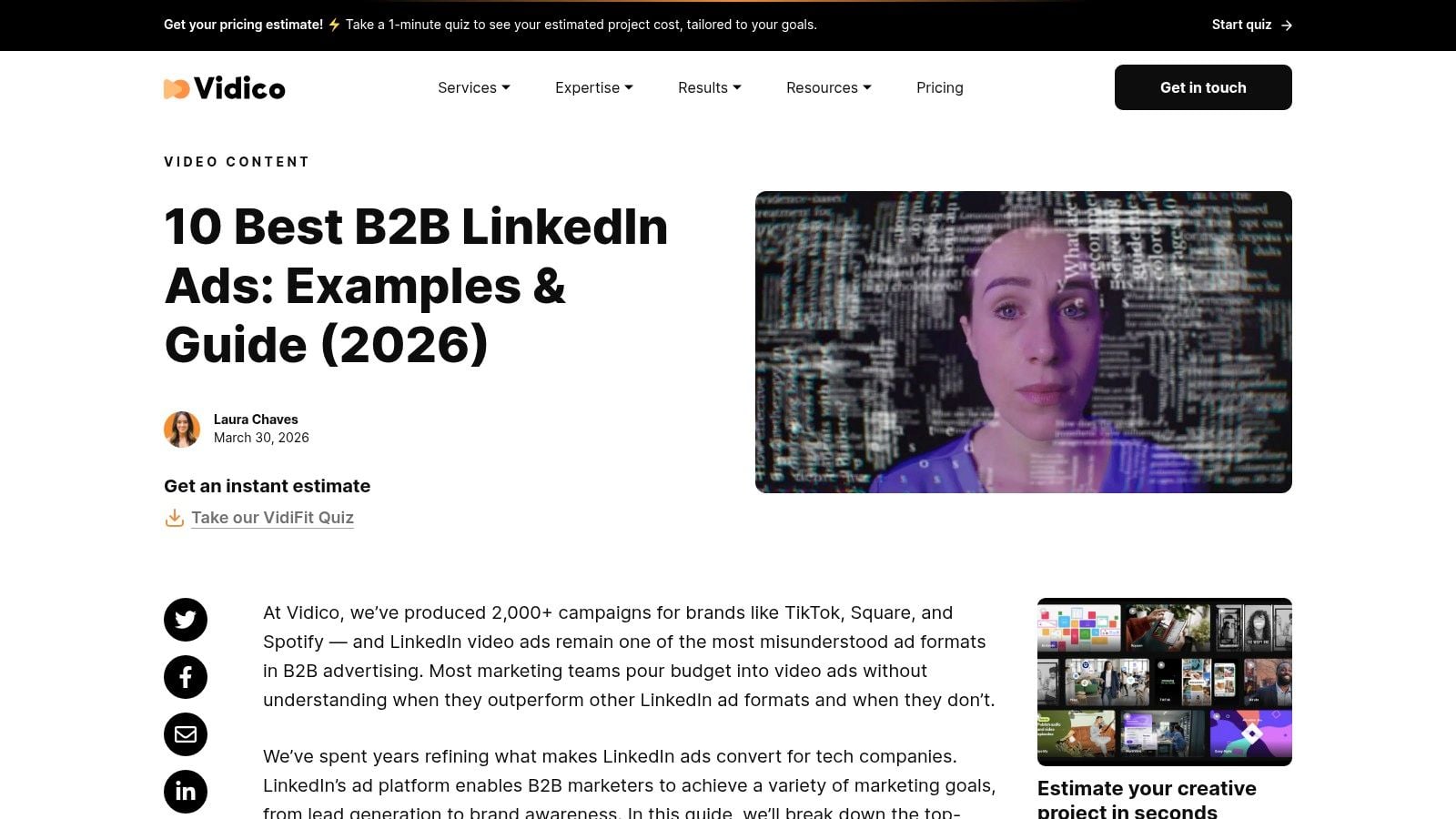
If video is on your roadmap, Vidico's guide to LinkedIn video ad examples is one of the more relevant picks for Australian teams. The Melbourne-based angle helps because B2B creative decisions in Australia often need a different balance of polish, clarity, and restraint than louder US examples.
Video on LinkedIn works best when you treat it as a trust builder, not a full-funnel miracle asset. Vidico gets that.
What good LinkedIn video ads do
Strong B2B video ads usually communicate three things quickly. Who this is for. What problem it solves. Why the viewer should care now. If the ad opens with branding but delays the payoff, the feed has already won.
There's also a good strategic lesson in how you sequence video. Independent playbook guidance recommends a full-funnel budget split of about 60% cold prospecting and 40% retargeting, with a frequency cap of 5+ impressions per company in account-based targeting, and reports that a $50 gift card incentive tripled demo-booking conversion rates while preserving lead quality. For video, that's especially relevant. Broad educational video can seed retargeting audiences, but the conversion ask often belongs later.
Video should earn the next click, not carry the whole sales conversation by itself.
Smart tests for B2B video campaigns
Use Vidico-style examples to test execution, not just storyboards:
- Hook test: Open with a customer pain point versus a category insight.
- Edit test: Fast-cut narrative versus slower explanatory pacing.
- CTA test: Soft education for cold viewers versus demo or form completion for retargeted viewers.
The downside is obvious. This resource is video-centric, so it won't help much with static image, document, or message ad planning. But if video is where your team keeps overspending without a clear framework, it's a strong corrective.
Top 7 B2B LinkedIn Ad Examples Comparison
| Item | 🔄 Implementation complexity | ⚡ Resource requirements | 📊 Expected outcomes | Ideal use cases | ⭐ Key advantages / 💡 Tips |
|---|---|---|---|---|---|
| Grow with social network marketing services | High, full agency setup, analytics & ad integration | Medium–High: monthly fees + ongoing ad spend; account access needed | Measurable lead and revenue growth with live reporting | High-growth startups & established brands needing specialist management | ⭐ Data-driven, platform-specific Meta/LinkedIn expertise; 💡 fast onboarding (~7 days), flexible plans |
| AdKit | Low, browseable gallery, no integration | Low: free resource, minimal time to review | Creative benchmarking and idea generation | Creative teams building briefs and benchmarking formats | ⭐ Practical "why it works" notes; 💡 good cross-platform examples to adapt |
| AdDogs | Low, pattern-first, easy to copy | Low: free; design time to apply patterns | Rapid production of LinkedIn-ready creative structures | B2B/SaaS teams needing repeatable ad structures | ⭐ Filterable patterns tailored to LinkedIn; 💡 maps layouts to objectives |
| AdsCreator | Low, template-driven, quick adoption | Low–Medium: template customization and asset production | Faster asset creation and cross-channel consistency | Teams needing on-brand assets quickly | ⭐ Example+template pairing with format guidance; 💡 includes recommended dimensions |
| IVRIstech | Low–Medium, format-by-format playbook | Low: research time to plan multi-format tests | Better-aligned creative per ad format; supports testing | Teams planning multi-format LinkedIn campaigns | ⭐ Organized by ad format with actionable tips; 💡 current 2026 framing |
| Landingi | Low, concise, scannable roundup | Low: quick scan for inspiration | Fast visual inspiration mapped to common objectives | Stakeholders seeking quick prompts for copy/design | ⭐ Fresh, year-stamped curation; 💡 clear mapping to typical B2B objectives |
| Vidico | Medium, video-focused guidance and production advice | Medium–High: production resources if creating video | Higher-quality LinkedIn video creative and repurposable assets | Teams prioritizing video ads or needing production support | ⭐ Strong video narrative & editing insight; 💡 guidance on multi-channel repurposing |
From Inspiration to Implementation Your LinkedIn Ad Blueprint
Studying good B2B LinkedIn ad examples helps, but only if you turn the patterns into a working campaign. The useful lesson across all seven picks is that strong LinkedIn ads aren't random flashes of creative brilliance. They're built from alignment. The audience is clear, the offer matches intent, the proof is visible, and the CTA asks for the next step instead of too much too early.
That's also why ad galleries alone rarely fix performance. They show outputs. They don't always show the operating choices behind them. Which audience got the ad. Whether the offer was cold-friendly. Whether the campaign used retargeting properly. Whether the conversion path stayed on-platform or leaked intent through a clunky landing page.
For Australian marketers, that discipline matters even more. Public examples still don't answer the localisation problem well enough. Smaller audience pools force harder decisions about scale versus precision, and broad global advice often ignores how much message quality has to carry when targeting options tighten. In practice, the ad usually has to do more work.
Start with one campaign goal, not three. If you need pipeline now, borrow from the proof-heavy, conversion-led examples. If you're building future demand, use content, document, or video ads that create relevance before asking for a meeting. Then test one variable at a time. Headline angle. Proof style. CTA. Creative layout. Audience temperature. That's how you learn what works instead of collecting opinions from the team Slack.
The strongest practical move is to build a mini system around your next campaign. Choose one example style from this list. Write two or three copy variants. Pair them with two creative directions. Send cold traffic to a low-friction offer. Reserve harder asks for people who've already engaged. Then review results with the same discipline you used to launch.
If you want an expert team to handle that end to end, Click Click Bang Bang's Social Network Marketing service is built for exactly this. Strategy, tracking, creative, reporting, and platform-specific execution all sit inside one managed workflow, which is usually what separates an attractive LinkedIn campaign from one that produces qualified leads.
If you want B2B LinkedIn campaigns that do more than look good in a slide deck, Click Click Bang Bang can help. The team builds and manages data-driven LinkedIn ad programs with clear strategy, fast launch support, transparent reporting, and conversion-focused creative that fits how B2B buyers respond.
Read NeXt
Or Read Our Latest
- Manual vs Automated Bidding for PPC Success
- Conversion Tracking Setup: A Complete AU Guide
- Instagram Advertising Australia: Complete 2026 Guide
- Pay Per Click: A Beginner’s Guide for Australian Marketers
- Display Advertising on Google: The Complete Australian Guide
- Stakeholder Communication Plan How to Build One That Works
Click. CLick. Subscribe.
Get our best PPC insights, industry updates, and power moves delivered straight to your inbox. No fluff, just high-caliber strategies that actually work.
Don’t Leave Just Yet
Try Us For 30-Days,
Risk Free!!
We guarantee that you’ll love our work within the first 30 days, if not you’ll get your money back.
What have you got to lose?