

How to Set Up Google Ads in Australia: Complete 2026 Guide
Last Updated
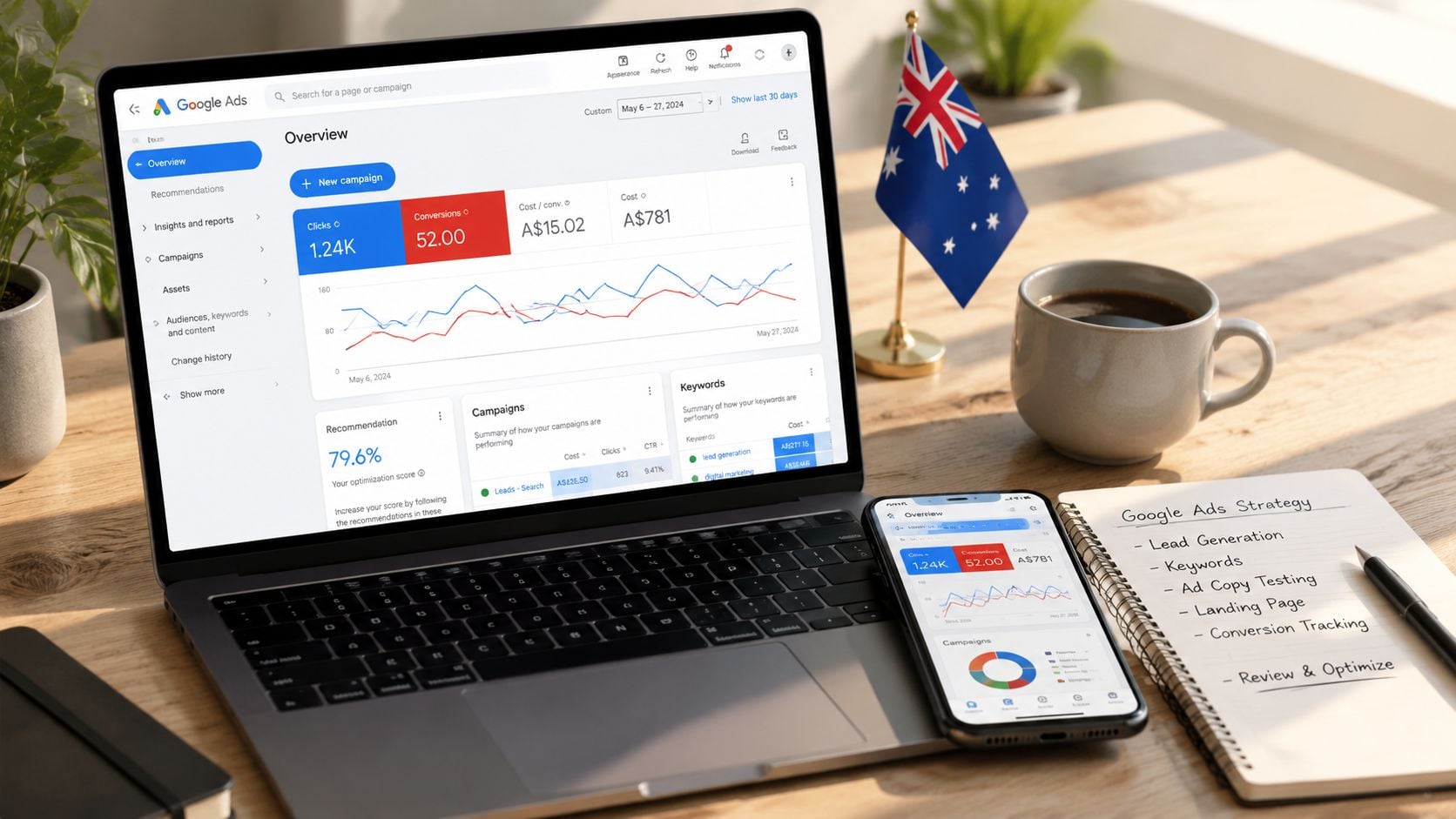
Search advertising in Australia reached A$8.0 billion in 2025, making Google Ads setup commercially critical for local advertisers. A sound setup aligns the billing entity, ABN and GST processes, campaign structure, and conversion tracking before any meaningful budget is spent.
Most tutorials treat Google Ads as a sequence of clicks: create an account, choose keywords, write ads, and publish. That approach misses the operational details that determine whether your reports, invoices, tax records, and bidding signals can be trusted. In Australia, the account foundation deserves the same attention as the ad copy.
Why This Setup Matters for Australian Businesses
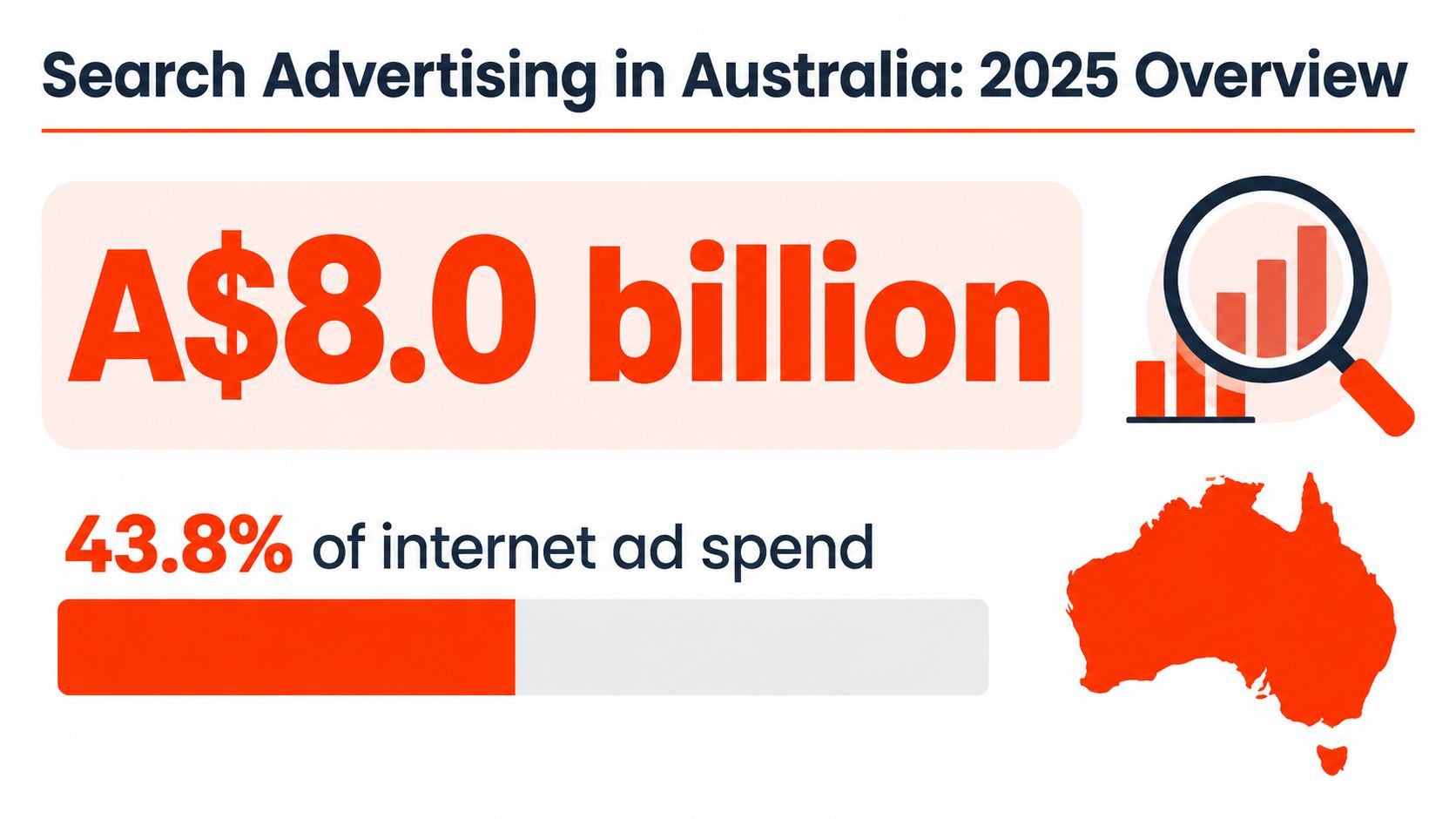
Australia's search advertising market reached A$8.0 billion in calendar year 2025, increasing 11.5% year on year, according to the IAB Australia internet advertising report prepared by PwC Australia. Search represented about 43.8% of total internet advertising spend, so it remains the largest digital advertising format available to Australian advertisers.
That scale changes the question business owners should ask. “How do I get an ad live?” is only the starting point. The more useful question is, “Can this account correctly identify who paid, what happened after the click, and which searches deserve more budget?”
An Australian retailer, for example, can launch a Shopping campaign quickly but still create poor financial records if the billing profile belongs to the wrong legal entity. A service business can generate enquiries while making bad bidding decisions if phone calls and qualified form submissions aren't recorded as primary conversions. The campaign may look active, yet the account is measuring activity rather than business value.
Practical rule: Treat Google Ads setup as a finance, measurement, and marketing project, not just an advertising task.
The local market also sits inside a wider paid-media environment. Australian government departments and entities spent A$204.1 million on campaign advertising media placement in 2024–25, including A$11.9 million on ethnic media and A$7.2 million on First Nations media, as reported in the IAB Australia campaign advertising reference document. The lesson isn't that every business should copy government media planning. It's that audience definition, channel choice, budgeting, and reporting need to work together.
Businesses comparing approaches can also review digital marketing in Australia for broader channel context. For PPC practitioners working in another competitive market, Houston pay-per-click tactics offers a useful contrast in how local intent and campaign management can shape paid search decisions.
Creating Your Google Ads Account and Billing Profile
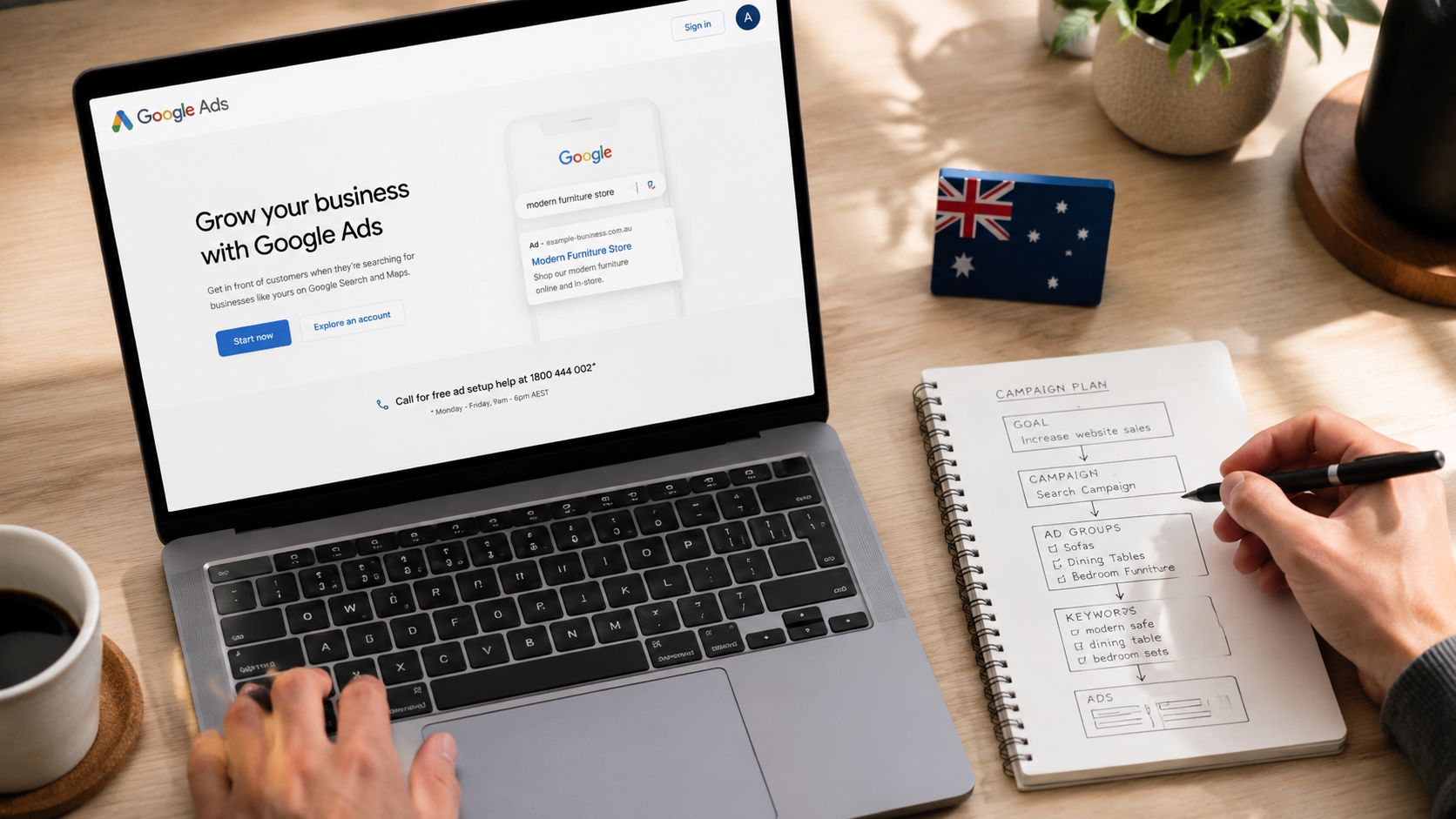
The account should be configured before campaigns are built. Google's Australian setup flow requires the billing country to be Australia, and the billing profile should match the legal entity responsible for the advertising. Many apparently small decisions made at this stage become difficult to reverse.
Start with the legal entity
Create or access the Google Ads account using a business-owned email address rather than a staff member's personal login. Add appropriate administrative access, then confirm:
- Billing country: Select Australia if the Australian entity will be invoiced.
- Legal name: Use the entity that contracts for the advertising, not just the brand name shown in the ads.
- ABN and GST details: Match the information used by the business's accounting and tax processes.
- Currency: Choose the currency that suits the entity and reporting workflow before campaigns begin.
- Time zone: Select the setting that reflects how the business evaluates daily spend, conversions, and reporting.
Google's Australian Google Ads start and billing guidance highlights why these details need care. The billing country is effectively permanent, so creating an account under the wrong country can leave the advertising account disconnected from the entity that should receive invoices and reconcile expenditure.
Confirm payment and verification
Add the payment method owned or authorised by the relevant business entity. Check the invoice name, address, tax information, and account access before funding campaigns. If an agency is helping, the client should still retain ownership of the account and billing relationship.
Don't use a temporary personal card just to get through setup unless the business has a documented process for changing it. Payment interruptions can pause campaigns, while mismatched invoices create unnecessary work for finance teams.
Before publishing: Ask your bookkeeper or accountant to confirm that the billing profile, ABN, GST treatment, invoice recipient, and reporting time zone fit the business's records.
Structuring Campaigns, Ad Groups, and Keywords
Campaign structure should reflect how the business makes money. A local plumber, a B2B software company, and an online retailer shouldn't inherit the same architecture just because Google Ads offers them the same campaign interface.
Separate control points
Start by separating brand and non-brand search activity. Brand searches usually carry different intent from searches made by people discovering a business for the first time, so combining them makes performance harder to interpret. Keep high-intent commercial terms distinct from broader research queries where possible.
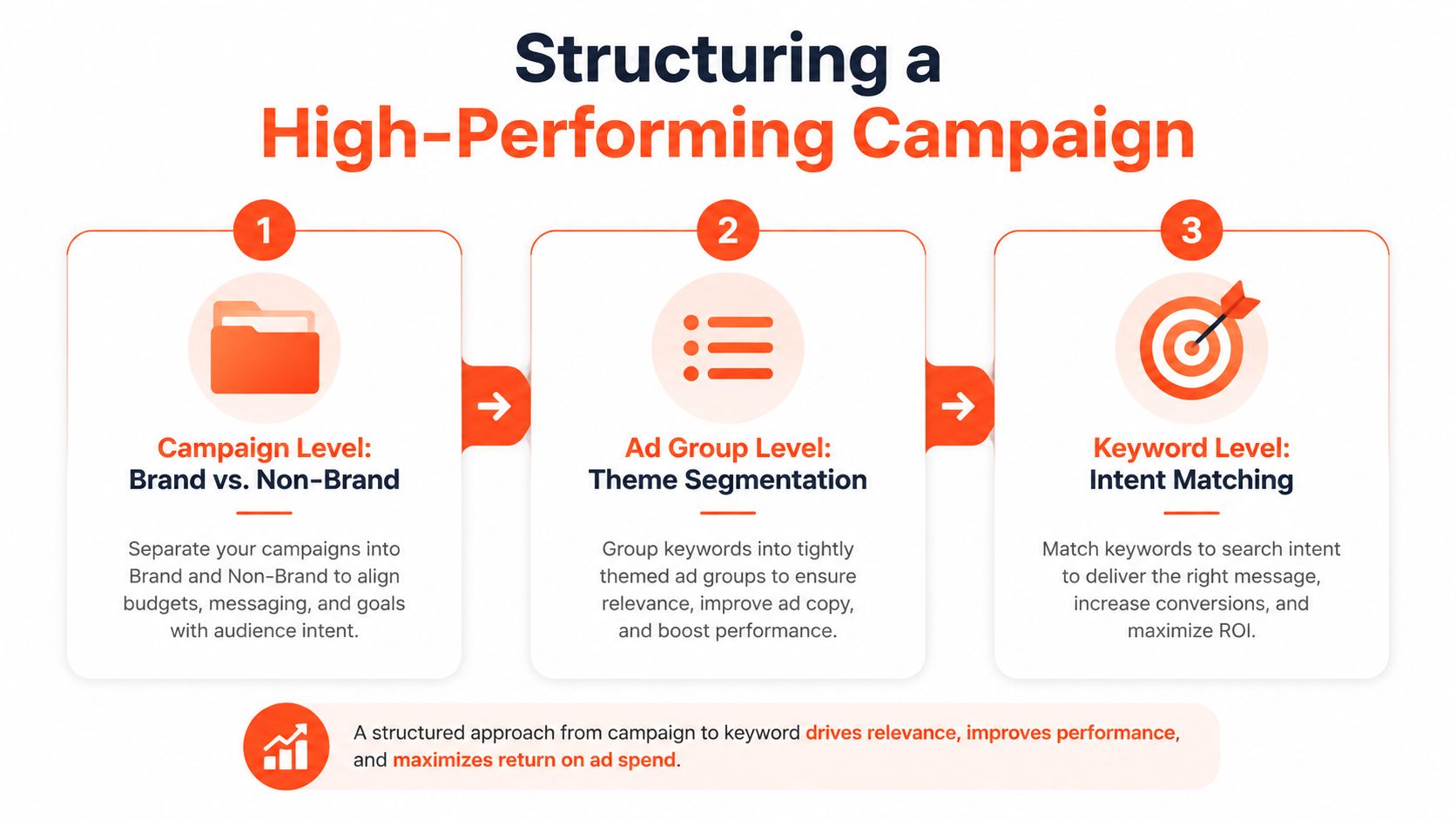
A practical hierarchy looks like this:
- Campaign level: Separate brand, non-brand, product, service, or location priorities according to the account's commercial goals.
- Ad group level: Group closely related themes, such as emergency plumbing, blocked drains, or hot-water repairs.
- Keyword level: Match each keyword theme to the landing page and ad message that answer the searcher's need.
Avoid creating an ad group for every minor wording variation. That creates administrative overhead without necessarily improving relevance. Instead, separate themes when the search intent, offer, landing page, or sales process changes.
Choose campaign types by business model
Search is the natural starting point for many lead-generation businesses because it captures active demand. A B2B company may prioritise enquiries from decision-makers, while a local service provider may need calls and form submissions tied to specific service areas.
Shopping can suit e-commerce retailers with a well-maintained product feed and clear product economics. Performance Max may extend reach across Google inventory, but it requires disciplined conversion definitions and feed quality because the campaign can respond to a broad range of signals. Remarketing can support consideration and return visits, but it shouldn't replace a clear acquisition strategy.
Don't broaden match types until the account can distinguish valuable searches from irrelevant ones. Search-term review, negative keywords, landing-page alignment, and conversion definitions should come first.
Campaign structure also affects budget control. If brand, generic, product, and location demand share one campaign, the highest-volume segment can consume spend while hiding weaker areas. Separate campaigns give the manager clearer control over priorities and make budget decisions easier to defend.
The following video provides another visual explanation of campaign structure and account organisation:
Implementing Conversion Tracking and Analytics Integration
Google Ads cannot optimise reliably on incomplete or misleading conversion signals. Define the business outcome first, then test the tagging setup directly. A successful page load does not prove that tracking works, particularly when forms, phone calls, payment events, or consent settings interrupt the signal.
Build the measurement sequence
For most websites, Google Tag Manager gives you a controlled way to manage the Google tag, Conversion Linker, and event-specific conversion tags. Confirm that the Conversion Linker is configured correctly in Google Tag Manager before sending traffic.
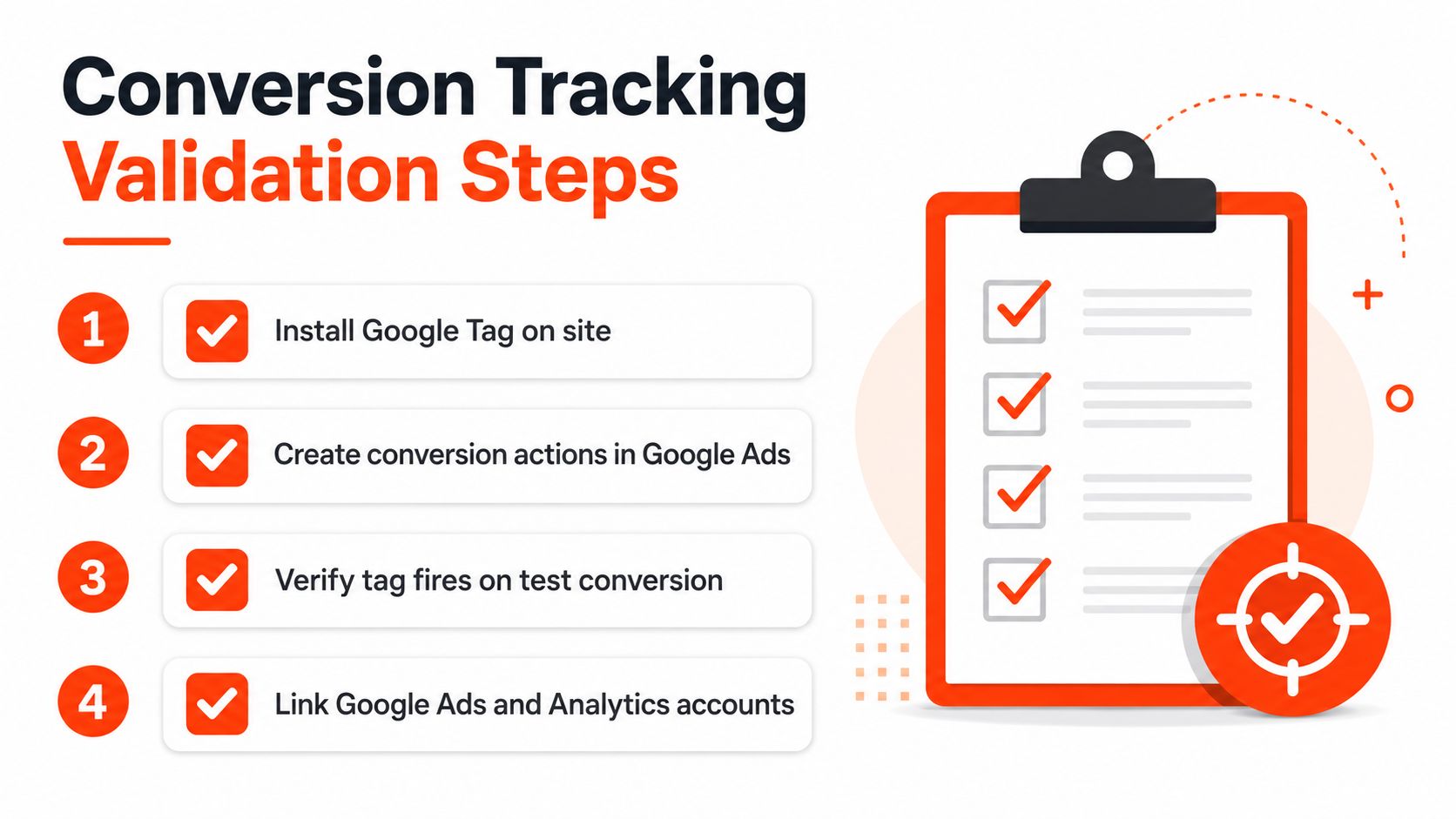
Use this sequence:
- Define a primary conversion action: Choose the outcome that should influence bidding, such as a completed purchase or qualified lead.
- Install the required Google tag and Conversion Linker: Check that the base tagging loads in the correct container and on the required pages.
- Configure the event: Fire the conversion tag on the intended thank-you page, confirmed purchase event, or validated form-submit trigger.
- Test the live experience: Complete a test conversion and inspect whether the tag fires once, with the expected values and identifiers.
- Review the Conversions summary: Check the action's status, category, counting method, inclusion in account-level goals, and primary or secondary designation.
Measure the outcome, not the interaction
A lead-generation account might record a form start, button click, phone-call click, and completed form. These actions have different commercial value. If secondary interactions are counted as primary conversions, automated bidding can pursue low-value activity and make performance look stronger than it is.
For e-commerce, the primary signal should connect to completed purchases and reliable transaction values. Service businesses may need phone calls, form submissions, booked consultations, and later qualification data. Verify phone-call and form-submit actions in the Conversions summary instead of assuming the interface captured them.
Link Google Ads with Analytics to compare ad clicks with on-site behaviour, landing-page engagement, and event paths. Teams can use this Google Analytics setup guide to organise the connection. A broader traffic analysis for service businesses can add context about visitor behaviour after the click.
Australian accounts also need operational checks. Confirm that the Google Ads billing entity matches the business using the account, and keep ABN and GST details consistent with the business's accounting records. These checks will not repair a conversion tag, but they reduce billing and reconciliation problems after launch.
Measurement checkpoint: Do not activate automated bidding until you know which event represents revenue, qualified demand, or another agreed business outcome.
Setting Budgets, Bids, and Launching Your First Campaign
Budget decisions should follow commercial priority, not merely the number Google suggests during setup. Allocate enough budget for the most important campaign to participate consistently, but don't spread limited funds across every product, location, and audience at once.
Manual CPC can be useful when a new account needs close control over bids and search-term quality. It gives the manager a direct lever while the account is still being inspected. Automated strategies such as Maximise Conversions or Target CPA can become more useful once the account has dependable conversion data, but automation won't compensate for broken tracking or weak landing pages.
Set a controlled launch
A practical launch sequence is:
- Prioritise one commercial objective: Start with the service, product category, or location that has the clearest value.
- Fund campaigns deliberately: Protect the priority campaign from being starved by lower-value experiments.
- Choose an initial bid approach: Use the strategy that matches the amount and quality of available conversion data.
- Review targeting settings: Check locations, languages, devices, schedules, networks, and audience observations.
- Confirm ad destinations: Test every landing page on mobile and desktop, including forms, checkout paths, and click-to-call behaviour.
- Publish with guardrails: Set alerts, daily checks, negative keyword processes, and a clear owner for approvals.
Australian SME benchmark data places average search CTR at 4.0% and average cost per conversion at A$46, while top-quartile accounts reach 6.5% or higher CTR and A$18 to A$28 cost per conversion, according to the CM Beyer Marketing Benchmarks Australia 2026 report. These figures are diagnostic reference points, not promises. A campaign serving a narrow B2B category may behave differently from a high-volume consumer service.
Low CTR often indicates that the query intent and ad message don't align. Healthy CTR paired with weak conversion rate points more towards the landing page, offer, form experience, or tracking. Use the pattern to choose the next investigation instead of changing bids at random.
Businesses calculating acquisition economics can also review guidance to optimise lead costs using AI tools. For broader Australian context, the Google Ads benchmarks by industry resource can help frame expectations without treating any benchmark as a target that every account must reach.
Initial Optimisation and Common Mistakes to Avoid
The first optimisation decisions should answer one question: where does the evidence point? A weak result can originate in the search query, the ad, the landing page, the offer, the conversion trigger, or the billing and reporting setup. Changing all of them at once destroys the evidence needed to identify the actual problem.
Read the early signals in sequence
Start with search terms. If the queries are irrelevant, add negative keywords, refine match types, and inspect location or audience settings. If the queries are relevant but CTR is weak, compare the ad promise with the language people use and the landing page they reach.
If CTR is healthy but conversion rate is poor, inspect the destination. Check page speed, message continuity, mobile usability, form errors, phone numbers, trust content, and the clarity of the next step. Also test the conversion tag, because a genuine enquiry that isn't recorded can look identical to a failed landing page in the advertising interface.
The benchmark logic is useful here. Australian SME data reports an average conversion rate of 4.6%, with a top-quartile threshold of 8.0% or higher and a bottom-quartile level below 2.0%, as documented in the Google Ads conversion benchmark source. Treat those levels as investigation prompts rather than guarantees. A low rate may reflect poor traffic, a weak offer, or an incorrectly configured event.
Avoid silent measurement errors
Phone calls and form submissions deserve specific testing. Call the number from an ad interaction and submit a test form, then confirm that each intended action appears correctly in Google Ads. Make sure duplicate firing isn't inflating results and that micro-events remain secondary when they don't represent a business outcome.
A sensible maintenance rhythm might include:
- Search-term review: Remove irrelevant intent and identify useful themes that deserve their own structure.
- Conversion audit: Check primary actions, secondary actions, status, values, and duplicate events.
- Landing-page review: Compare the ad promise with the page headline, offer, proof, and form experience.
- Budget review: Move funds only when the resulting data supports a commercial decision.
- Change log: Record major edits so performance shifts can be connected to actual account changes.
Don't judge an account solely by clicks or impressions. A clean setup lets you connect spend with qualified demand, purchases, or another agreed outcome. Without that connection, optimisation becomes a sequence of guesses dressed up as reporting.
Click Click Bang Bang provides Google Ads account setup, campaign strategy, conversion tracking, analytics integration, and ongoing optimisation for Australian businesses. If you want an implementation partner to align your billing foundation, campaign structure, and measurement before launch, visit Click Click Bang Bang to discuss your setup.
Read NeXt
Or Read Our Latest
- How to Set Up Google Ads in Australia: Complete 2026 Guide
- Google Merchant Center Setup: The Complete 2026 Guide
- Business Manager Setup Facebook: The Complete 2026 Guide
- Google Ads Account Setup: Expert Guide for 2026
- Search Ads Optimisation: A Practical Guide for 2026
- Manual vs Automated Bidding for PPC Success
Click. CLick. Subscribe.
Get our best PPC insights, industry updates, and power moves delivered straight to your inbox. No fluff, just high-caliber strategies that actually work.
Don’t Leave Just Yet
Try Us For 30-Days,
Risk Free!!
We guarantee that you’ll love our work within the first 30 days, if not you’ll get your money back.
What have you got to lose?