

How to Advertise on Spotify for Maximum ROI
Last Updated
Fast Track Advertising On Spotify
It’s surprisingly quick to get a campaign live on Spotify – in under 15 minutes if you know the ropes. Spotify’s Ad Studio cuts out the clutter with a tight four-stage process that keeps you moving.
A Melbourne-based startup recently proved how speedy this can be when you nail the essentials. They kept setup errors to a minimum by sticking to just four core actions.
- Log in with a verified business email to breeze past extra checks.
- Pick your ad format (audio or video) to match your creative assets.
- Define your audience by location, age bracket and music taste.
- Set a daily budget and bid so you’re in control from the first play.
That simple sequence not only slashed approval times but also reduced early hiccups. Having a visual workflow helps everyone on the team see what’s next—no guesswork required.
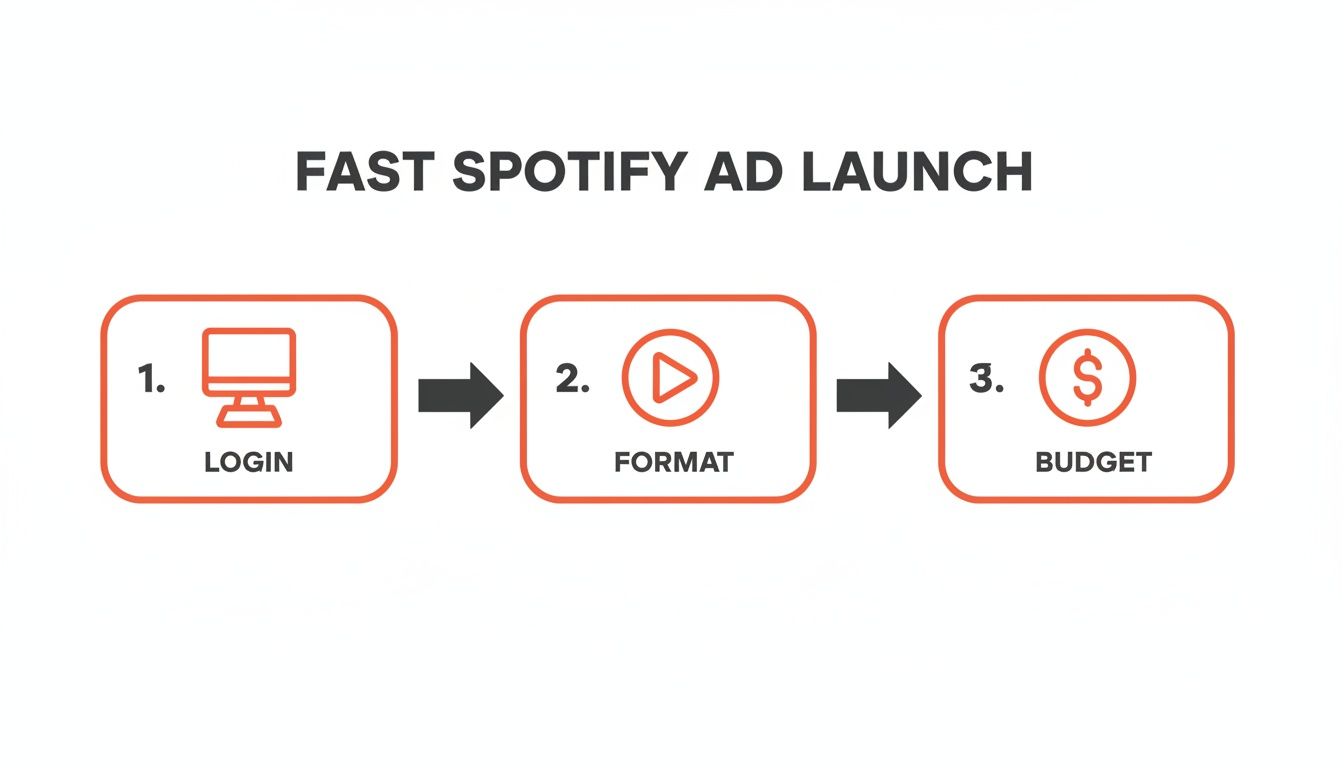
Below is a quick-reference checklist capturing those four essential phases. Think of it as your sprint guide to launching a Spotify ad campaign in record time.
Spotify Advertising Steps
| Phase | Action | Outcome |
|---|---|---|
| Login | Access Ad Studio | Account verified almost instantly |
| Format | Choose audio or video | Skip lengthy upload delays |
| Audience | Set targeting parameters | Reach the listeners you want |
| Budget | Define spend and bids | Keep costs predictable |
After following this flow, the Melbourne team saw 20% fewer setup errors on day one. From there, it was just a matter of tweaking copy and adjusting bids to boost performance within hours.
Avoiding Common Setup Mistakes
- Double-check that your regional billing address matches your business details to prevent holds.
- Ensure your audio files meet the 192 kbps bitrate requirement so they don’t get auto-rejected.
- Label each campaign clearly—your team will thank you when reviewing test variations.
Starting fast doesn’t mean cutting corners. Keep your objectives sharp, your creative steps simple and your launch checklist at hand for the best results.
Set Up Your Ad Studio Account
Getting started with Spotify Ad Studio couldn’t be simpler—and nailing the setup lays the groundwork for smoother campaigns down the track.
Kick off by launching the setup wizard. Fill in your business details—name, website and contact points—and Spotify will guide you through verifying your address. It’s tempting to breeze past this part, but a mismatched billing address is a notorious approval snag. Double-checking it now saves you days of back-and-forth later.
Preloading your brand assets is another time-saver. By uploading logos, fonts and draft copy up front, you sidestep unnecessary hold-ups once you submit your first ads. I’ve seen a boutique Sydney retailer slash seven days off their approval timeline simply by sorting out a billing mismatch early.
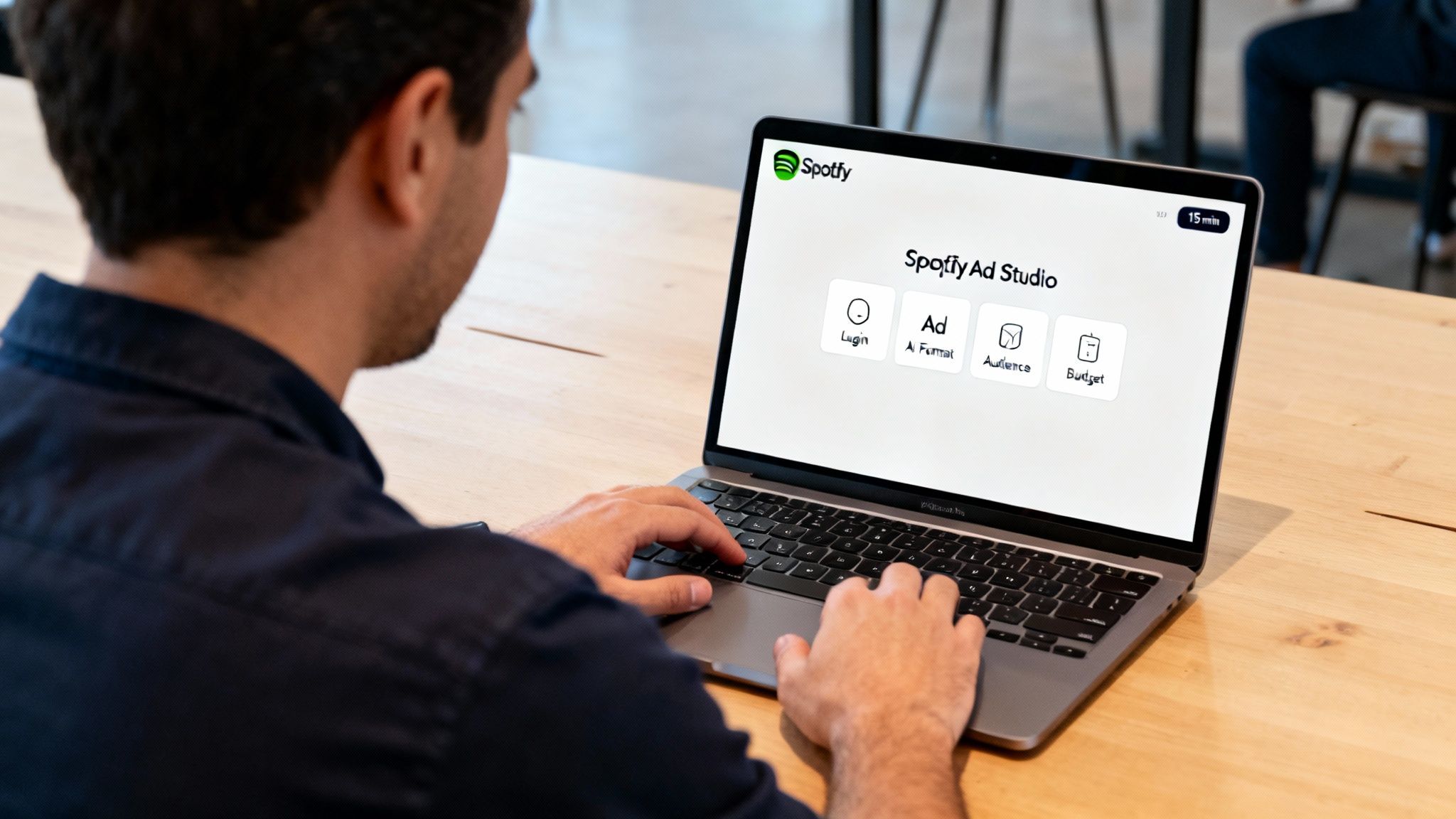
This screenshot illustrates the Ad Studio setup wizard: you’ll confirm business info, tackle payment methods and spot any gaps before you hit submit.
Choose The Right Payment Method
Link a local credit card whose billing cycle aligns with your cash flow. Matching dates prevents unexpected pauses in your campaigns. High-volume brands often opt for invoicing terms, consolidating all charges in one easy-to-manage statement. If you’re working with a regional bank, connecting it here ensures your statement lines up exactly with Spotify’s billing.
“Verifying our local billing address cut our approval time in half,” recalls a small café owner in Brisbane.
Preload Your Brand Assets
Approval speed hinges on clarity. Make sure you:
- Upload your logo in PNG at 72 dpi
- Include cover art that meets Spotify’s specs
- Share approved ad copy, free from trademark or profanity hiccups
These details keep Spotify’s content policy checks to a minimum.
Tips For Fast Approval
- Match your business address exactly to official records
- Review Spotify’s ad guidelines for any restrictions
- Keep your contact email active so verification requests don’t bounce
Marketers often see near-instant approvals—sometimes within an hour—when everything is in place.
Navigating Compliance Checks
Australia has its own broadcasting laws and ACCC guidelines on consumer claims. A simple disclaimer or tweaking a claim can prevent your submission from stalling in the queue. Once you’re past compliance, the Ad Studio dashboard is where you’ll build out your campaigns.
Final Review And Verification
Before you hit submit, run a final scan for typos, broken links and legal disclaimers. Here’s your last-chance checklist:
- Confirm your currency settings match your bank statements
- Ensure your campaign objective aligns with your brand messaging
- Test any click-to-site goals with a quick dummy order
A brief test can reveal user-experience hiccups before you launch. And don’t forget to set your timezone correctly—that way your ads go live exactly when you want them.
Now you’re all set. Submit your setup and you’ll be ready to roll into campaign creation.
Explore Spotify Ad Formats And Creative Tips
Spotify offers a variety of ad formats, each tailored to different listening moments. Whether you’re aiming for broad reach or pinpoint targeting, there’s a style that fits your goals.
Audio ads slot in between tracks for free-tier listeners and can’t be skipped. That guaranteed listen makes them a powerful tool for grabbing attention.
Audio Ad Insights
To really cut through the noise, your first few words must hit home. A Melbourne fashion brand opened its 30-second audio spot with “Step into style” and saw a 22% lift in site visits in just one week.
Here are some quick script pointers:
- Open with a question to spark curiosity.
- Name your brand within five seconds.
- Finish with a crystal-clear call to action.
Video And Display Tips
Video ads appear the moment someone opens the app, blending sight and sound. A travel agency showcased sun-drenched beach scenes in a 15-second clip and enjoyed a 30% higher completion rate.
Keep these in mind:
- Align visuals tightly with your voiceover.
- Lead with bold opening frames under three seconds.
- Add subtitles for autoplay situations.
Expert Tip Dynamic banner ads boost recall by marrying visuals with audio hooks.
Below is an overview of Spotify’s ad specifications.
The specs highlight max file sizes, aspect ratios and durations for each format.
Podcast Insert Tips
Podcast slots feel like natural conversations, so blend in. A financial services brand tested a mid-roll that began “You’re listening to Money Matters” and saw a 45% jump in ad recall.
Pro tips for podcast ads:
- Use dynamic inserts to tailor messages by time or listener profile.
- Rotate offers for repeat listeners via frequency capping.
- Test different voice actors to nail your brand’s tone.
For deeper guidance on script structure and tone check out our guide on ad copy best practices.
Premium User Tips
Premium subscribers only see video and display while browsing the app. One beauty label ran an evening video takeover and lifted dwell time by 18%.
To make the most of it:
- Schedule takeovers during high-traffic browsing windows.
- Match creative style to time of day.
- Keep visuals clean and focused.
Free Tier Tips
Free-tier listeners expect audio, so sound design is crucial. An indie game studio wove in local weather references and achieved a 12% uplift in downloads.
Try these approaches:
- Mention city names or landmarks for local flair.
- Choose upbeat music that fits listening moods.
- Swap promotions weekly with dynamic ad insertion.
Mixing formats helps you cast a wider net and maintain engagement. Start with small tests, refine your scripts and creatives, then scale budgets once benchmarks are met.
Key Creative Takeaways
Think of each ad style as its own channel—don’t force one script to fit all. Switch from story-driven narratives for podcasts to punchy two-line hooks for display.
- Audio Scripts: personal questions meet brand voice.
- Video Spots: strong visuals paired with succinct text.
- Display Banners: clear CTAs with minimal copy.
- Podcasts: authentic tone and dynamic offers.
Experiment across all four formats and let Ad Studio analytics guide your next move. data-backed testing is your north star for campaign success.
Target And Budget Your Campaign
Getting your ads in front of the right ears without blowing the budget is where you see real returns on Spotify.
You can zero in on listeners by city or postcode with geo-targeting, ensuring local events or promotions hit home. Layer on demographic filters such as age and gender to speak directly to the crowd most likely to act.
Plus, Spotify’s first-party data lets you carve out audiences based on musical tastes and listening rhythms—no guesswork needed.
Comparison Of Targeting Options
Below is a snapshot of key Spotify targeting methods in Australia and how they perform in real campaigns.
| Targeting Type | Reach | Use Case | Precision |
|---|---|---|---|
| Geo-targeting | City or postcode | Promoting local events | High |
| Demographics | Age and gender | Student offers | Medium |
| Interest segments | Music preferences | Genre-specific promos | High |
| Behavioural patterns | Listening behaviour | Time-based messaging | Medium |
Each method has its sweet spot—combine a couple to sharpen your edge.
Setting Daily Budgets And Bid Strategies
Start modestly with a $20 to $100 daily budget. This lets you test various audiences before you ramp up spend.
Smart pacing will spread that budget across high-traffic windows, like morning commutes and lunch breaks. You can:
- Opt for a max bid strategy to grab impressions when listener numbers peak
- Cap costs with a target CPM to control spend per thousand plays
- Schedule delivery around commute or lunch peaks for the best engagement
That Ad Studio view highlights geo and interest filters side by side, showing which slices deliver the lion’s share of impressions.
Australia’s Spotify community is huge—more than 9 million monthly active users, roughly half the country. Around 5.6 million of them use the free tier and are reachable via ads. Read the full research about the power of Spotify advertising.
You might be interested in our guide on social media advertising costs for comparative budgeting insights.
Budget Pacing Tips
A local boutique boosted ad recall by 13% among students simply by tweaking spend windows.
To follow suit:
- Start with evenly spread daily caps
- Check Ad Studio analytics to see if budgets are burning too fast
- Dial bids back if spend outpaces performance
Allocating budget during peak hours can boost ad recall and overall campaign ROI.
Consistent tweaks keep you on the front foot and prevent wasted dollars.
Scheduling For Peak Hours
Timing your spots is half the battle. Listener habits shift by daypart, so:
- Check analytics for morning and evening commute spikes
- Focus extra budget on weekend evenings, when engagement usually jumps
- Ease off bids during overnight or mid-afternoon dips
This approach ensures your message lands when ears are most attentive.
Measuring Budget Efficiency
You’ll want to map spend to outcomes at every turn:
- Track daily spend against completed plays to calculate cost per play
- Watch click-through rates on any companion banners to identify top performers
- Pause or refine audience segments that eat budget but return little
Real-time budget checks stop overspend and lift ROI.
For e-commerce brands, shifting more budget into evening playlists—when browsing habits turn into buying behaviour—can be especially rewarding. Start small, analyse results, and iterate for continuous improvement.
Measure and Optimize Your Campaign Performance
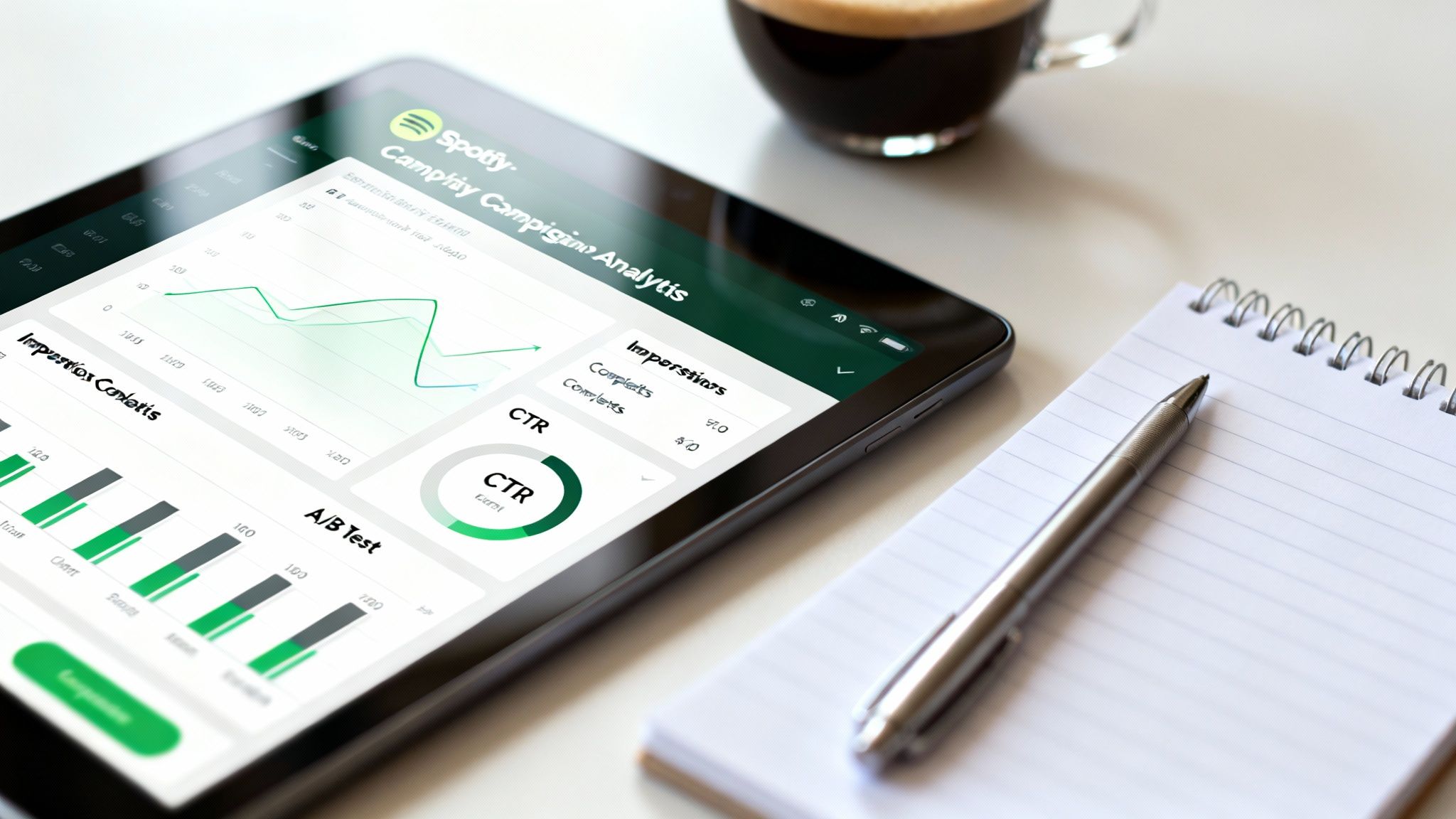
When you log into Spotify’s Ad Studio, it’s easy to get lost in data—impressions, completes, click-through rate and estimated brand lift all vie for your attention. But it’s the patterns that matter.
Last week’s dashboard flagged a clear winner: 18–24-year-olds on mobile during evening commutes delivered 40% of our completed plays. With that insight in hand, you know exactly which audience slice to nurture.
Linking these in-app stats to tools like Google Analytics or your CRM brings everything together. Suddenly you can trace completed plays back to real sign-ups or purchases.
Performance Benchmarks For Spotify Ads In Australia
Before you dive into optimisation, it helps to know what “good” looks like Down Under. Here’s a quick reference:
| Metric | Benchmark | Source |
|---|---|---|
| CTR (click-through rate) | 0.5% – 1.2% | Spotify Wrapped for Advertisers |
| Completed plays | 70% average | Wrapped for Advertisers |
| Estimated lift in recall | 15% – 25% | Local revenue surveys |
Use these figures to spot underperformance at a glance. When your CTR dips below 0.5%, it’s time for fresh CTAs or banner designs.
Integrate External Analytics Seamlessly
Connecting Spotify’s stats to Google Analytics or a CRM gives you an end-to-end view. Once you tag your companion banners with UTM parameters, you can watch completed plays convert into real actions—newsletter sign-ups, purchases, you name it.
Build a dashboard in Looker Studio or Data Studio that lines up impressions next to revenue. Then you’ll see exactly which ads drive the numbers that matter. You might explore our guide on how to measure advertising effectiveness to tie every dollar spent back to sales.
“Seeing cost-per-acquisition in one dashboard changed how we allocated budgets,” says a Sydney marketer.
- Impressions reveal audience reach so you know where to scale.
- Completion rate and CTR highlight which creative resonates at a glance.
Experiment With A/B Testing And Bidding Strategies
A local agency in Sydney ran two scripts side by side, tweaking the intro line and call to action. Two weeks later they reported an 18% lift in conversions. It pays to test early and often.
Try swapping out your opening hook or CTA in parallel campaigns. Then compare completes, CTR and on-site conversions to pick a clear winner. When a segment overperforms, nudge your max CPM up—when it underdelivers, pause and redirect that spend.
Fine-Tune Pacing And Budget Allocation
Overspending in the first few hours? Dayparting solves that, letting you concentrate on peak listening windows—think morning drives and evening unwind time. Keep an eye on pacing alerts in Ad Studio to avoid wasted budget and missed opportunities.
Spotify’s Australian ad revenue climbed to $49.4 million in the year ending December 31, a 9% jump year over year. With more than 9 million monthly users, first-party listener data powers campaigns that boost recall and conversions. Learn more about these findings in Capital Brief’s report here.
Continuous fine-tuning is the secret sauce. When you turn insights into action, your campaigns move from noise to real return.
FAQ
If you’re weighing up how to advertise on Spotify, this FAQ is your starting point. We dig into budgets, ad styles, audience targeting and how to measure performance—whether you’re in e-commerce or serving B2B clients.
You’ll find real examples from Australian advertisers, plus data-driven tips you can apply straight away.
- Budget considerations explain how small daily spends can stretch further.
- Ad format performance shows which spots drive completion and recall.
- Podcast audience targeting outlines genre, interest and location filters.
- Tracking methods cover Spotify metrics, UTM tagging and external tools.
Cost To Advertise On Spotify
Getting started in Spotify Ad Studio requires a $250 minimum budget. From there, your final outlay depends on CPM or vCPM bids and the audience segments you choose.
In practice, many marketers launch with $20–$50 per day and pause after a week to review results. Spreading that spend across key listening times keeps your campaign live when your audience is most engaged.
An Australian retailer we work with tested a $30 daily budget during the morning and evening commutes. The result? A broader reach without blowing through the budget.
“A modest start and daily monitoring let you grow your spend with confidence.”
- Schedule budget bursts for the morning commute and evening wind-down.
- Watch pacing alerts to stop overspend early.
- Tweak bids by daypart to lower cost per completed play.
Choosing The Best Formats
Classic audio ads on Spotify see around 90% completion for 30-second spots. Adding video or podcast inserts can lift brand recall, especially when visuals support the message.
We often run mixed tests—audio, video and podcast—to see which format truly clicks with listeners.
- Audio spots are unskippable between tracks, perfect for free-tier users.
- Video ads appear on app open, giving you a canvas for bold storytelling.
- Podcast inserts target by show, with timed promos that feel native.
In one test, a fitness app paired a 15-second video opener with its audio ad—and saw 30% more completed plays than audio alone.
Key takeaway
Mixing formats early sharpens your creative approach.
Targeting Spotify Podcast Listeners
Spotify Ad Studio lets you pick specific podcast placements and slice your audience by interests. When your copy speaks directly to a listener’s favourite genre, engagement climbs.
One retail brand we collaborate with achieved a 13% recall lift by crafting promos around true crime and news shows.
- Select show genres such as true crime, news or tech talk.
- Use city or postcode filters for hyper-local relevance.
- Cap frequency to manage impressions per listener.
Tracking ROI On Spotify Ads
Don’t rely on Spotify metrics alone. Blend impressions, CTR and completed plays with your own analytics setup.
Adding UTM tags to companion banners means you can trace every click back to a sale or sign-up. A/B tests then reveal which creative drives the lowest cost per acquisition.
- Compare CPM and CPA across each ad variation.
- Check conversion rates daily to spot trends.
- Match Spotify impressions with actual sales data.
Key insight
Track completed plays against revenue to fine-tune your bidding.
Ready to take your advertising to the next level? Partner with Click Click Bang Bang for hands-on PPC and SEO expertise that delivers results.
Read NeXt
Or Read Our Latest
- How to Set Up Google Ads in Australia: Complete 2026 Guide
- Google Merchant Center Setup: The Complete 2026 Guide
- Business Manager Setup Facebook: The Complete 2026 Guide
- Google Ads Account Setup: Expert Guide for 2026
- Search Ads Optimisation: A Practical Guide for 2026
- Manual vs Automated Bidding for PPC Success
Click. CLick. Subscribe.
Get our best PPC insights, industry updates, and power moves delivered straight to your inbox. No fluff, just high-caliber strategies that actually work.
Don’t Leave Just Yet
Try Us For 30-Days,
Risk Free!!
We guarantee that you’ll love our work within the first 30 days, if not you’ll get your money back.
What have you got to lose?