

How to Create a Landing Page That Actually Converts
Last Updated
Before you even think about colours, fonts, or fancy animations, the real work of a high-converting landing page begins. So many people make the classic mistake of jumping straight into design, but that's like building a house without a blueprint.
The strategic groundwork you lay at this stage—defining your goal, understanding your audience, and sketching a basic layout—is what separates a landing page that prints money from one that just sits there looking pretty. This is your blueprint for success.
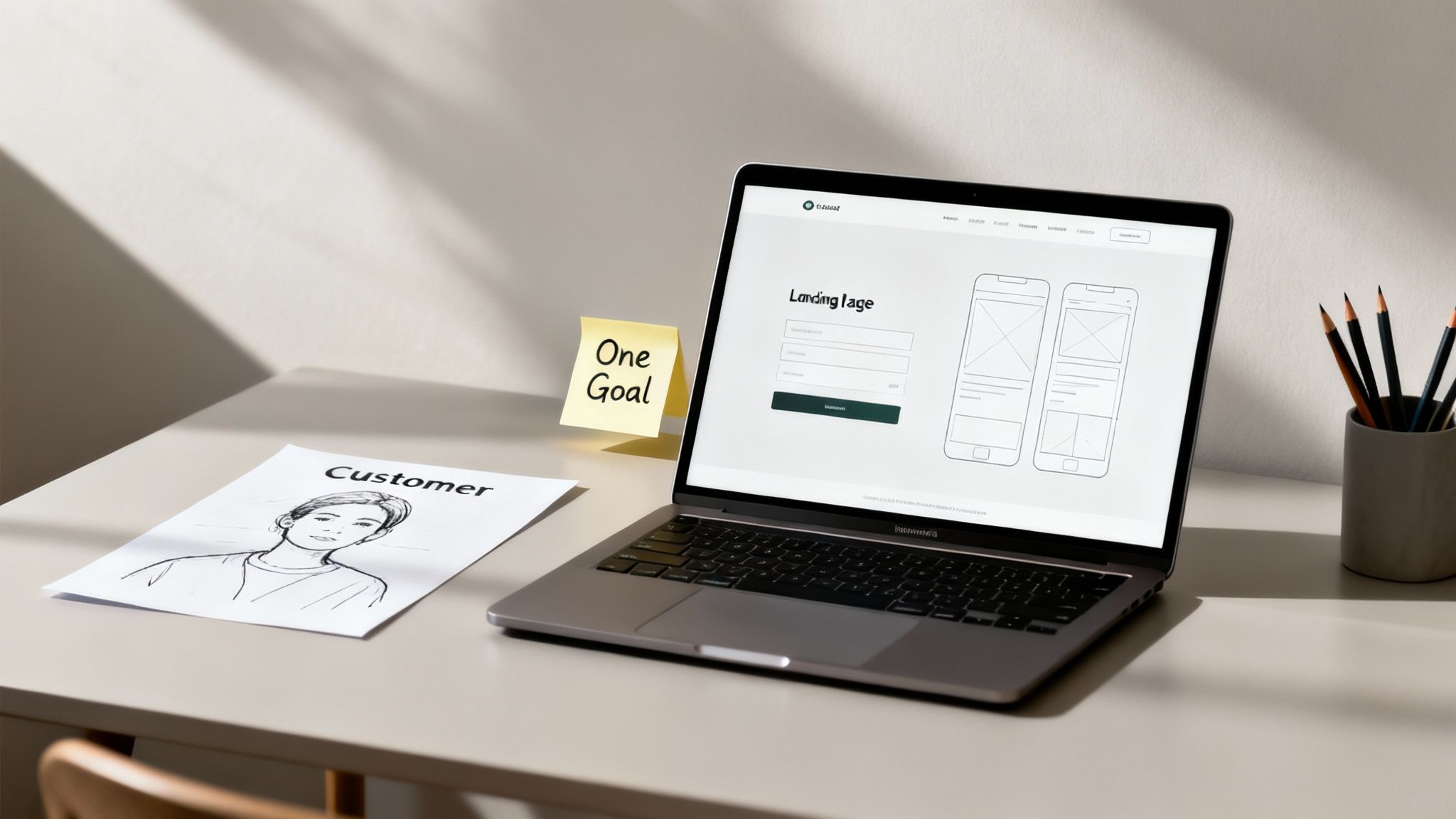
Define One, and Only One, Goal
Every killer landing page has a single, laser-focused job to do. If you try to generate a lead, make a sale, and get a social share all on the same page, you'll just confuse visitors and watch your conversion rate plummet.
Your page needs one job. What's the single most important action you want a visitor to take?
- Lead Generation: Is the goal to get an email address? Then everything on the page should lead to someone filling out a form for your e-book, webinar, or consultation.
- E-commerce Sales: Want to sell a product? The entire page exists to get that user to click "Add to Cart" or "Buy Now". Simple as that.
- Event Registrations: Promoting a workshop? Your goal is to get sign-ups. Nothing else matters.
This single-minded focus is non-negotiable. Across all industries in Australia, the average landing page conversion rate hovers around 9.7%, which shows just how much room for improvement there is. A well-optimised B2B lead-gen page can hit anywhere from 8.8% to 18.2%, proving that clarity converts.
To help you nail this down, here's a simple framework based on your business type.
Goal-Setting Framework for Landing Pages
| Business Type | Primary Landing Page Goal | Key Metric to Track |
|---|---|---|
| E-commerce Store | Sell a specific product or bundle | Sales / Add to Carts |
| SaaS Company | Generate a free trial or demo request | Form Submissions |
| Service Business | Capture a qualified lead for a quote | Leads / MQLs |
| Event Organiser | Secure an event registration or ticket sale | Registrations |
| Content Creator | Grow an email list with a lead magnet | Email Sign-ups |
Having this one clear goal, tied directly to a trackable metric, will guide every single decision you make from here on out.
Get Inside Your Audience's Head
Okay, you've got your goal. Now, who are you talking to? A landing page isn't the place to list every feature your product has. It's about showing a specific person how you solve their specific problem.
This is the heart of your value proposition—a short, sharp statement that immediately answers the visitor's internal question: "What's in it for me?"
A strong value proposition isn't a clever marketing slogan. It's the tangible promise of value you deliver. It’s the #1 reason a prospect should buy from you and not from your competitor down the road.
For instance, if you sell a project management tool, don't just say, "Our tool has Kanban boards and Gantt charts." That's a feature. Instead, say, "Stop juggling scattered tasks. Finish projects on time, every time." See the difference? The first is about you; the second is about them.
Sketch a Simple Wireframe
With your goal set and audience in mind, it's time to map out the page structure. A wireframe is just a basic, low-fidelity sketch of your landing page. Think of it as the skeleton.
Forget about colours or fonts for now. Just grab a pen and paper (or a simple digital tool) and focus on the layout and flow of information. Where will the key elements go to guide the user from arrival to conversion?
Your wireframe should map out these core components:
- The Headline: The very first thing they'll read.
- Hero Image/Video: A powerful visual that reinforces your message.
- Key Benefits: Short, punchy copy explaining the value.
- Social Proof: Testimonials, logos, or case studies to build trust.
- The Call-to-Action (CTA): The button that achieves your one goal.
This process forces you to think logically about the user's journey, ensuring every section builds momentum toward that final click. If you're looking for inspiration, you can always explore various free landing page templates to see how these foundational elements are put into practice.
Writing Headlines and Copy That Persuade
You've got the foundation of your landing page sorted, but now for the part that really matters: the words. Great copy is the engine that drives conversions, turning a casual browser into someone who's ready to buy or sign up. It’s all about creating a message that hits on a visitor's problem so perfectly that your solution feels like the only logical next step.

This isn’t about being clever or stuffing your page with jargon. The best copy is clear, direct, and speaks to the reader's needs. And it all begins with the headline.
Crafting a Headline That Grabs Attention
You have maybe three seconds to convince someone to stick around. That's it. Your headline is the single most important bit of text on the page, responsible for hooking the reader and making a big promise.
A headline like "High-Quality Accounting Software" is a guaranteed snoozefest. It's forgettable because it just describes a feature. A great headline, on the other hand, sells a benefit: "Stop Drowning in Receipts. Get Your BAS Lodged in 10 Minutes." Now that gets attention. It zeroes in on a painful problem (receipts, BAS stress) and promises a concrete, desirable result.
Here are a few proven formulas I come back to all the time:
- State the Big Benefit: Get straight to the point. Example: "The Last Project Management Tool You'll Ever Need."
- Ask a Question: Directly call out their pain point. Example: "Struggling to Get Qualified Leads from Your LinkedIn Ads?"
- Leverage Social Proof: Show them they're in good company. Example: "Join 5,000+ Aussie Tradies Who Run Their Business from Their Ute."
The only job of your headline is to make your ideal customer nod and think, "Yep, that's me. Tell me more." If it does that, it’s a winner.
Writing Body Copy That Sells Benefits, Not Features
Once the headline has done its job, the rest of your copy needs to deliver. A classic rookie mistake is just listing out features. Your customers don't actually care about your product's "multi-threaded processing core"; they care that it saves them an hour every single day.
This is the golden rule of copywriting: benefits over features. A feature is what something is. A benefit is what the user gets.
A feature is a fact about your product. A benefit is the positive impact that feature has on your customer's life. Always lead with the benefit, then use the feature as the proof.
Let's break it down for a meal delivery service. It’s a simple but powerful shift in thinking.
| Feature (What it is) | Benefit (What they get) |
|---|---|
| Pre-portioned ingredients | No more food waste or over-buying at the supermarket. |
| Delivered weekly to your door | Reclaim your Sunday from the stress of meal planning. |
| 15-minute recipes | Enjoy healthy, home-cooked meals even on your busiest nights. |
See how the benefit connects straight to a real-world problem or desire? Structure your copy around these outcomes. Use short paragraphs, bullet points, and bold text to make your key benefits pop off the page.
While landing page copy has its own unique flavour, the core principles overlap with other marketing materials. You can dive deeper with our guide on ad copy best practices for more ideas.
Integrating Social Proof to Build Trust
Let's be honest, people are sceptical. They've been let down by big promises before. This is where social proof comes in as your secret weapon, acting as a third-party endorsement that backs up everything you're claiming.
But don't just dump all your testimonials in a "What Our Customers Say" section at the very bottom of the page. No one ever scrolls that far. Instead, sprinkle them throughout the page to tackle objections as they pop up.
Here are the most effective types of social proof to use:
- Direct Testimonials: Use quotes from real customers highlighting specific results. Always include their name, company, and a photo if you can – it adds a massive layer of credibility.
- Case Studies: A quick summary of how you helped a specific customer solve a real problem can be incredibly persuasive.
- Trust Logos: Got featured somewhere cool or work with well-known brands? Slap those logos on the page. It builds instant authority.
- Data and Numbers: Specific figures like "over 10,000 customers served" or "featured on Channel 7" provide tangible proof that you're the real deal.
When you weave together a killer headline, benefit-focused copy, and undeniable social proof, you create a narrative that moves your visitor from curious to converted.
Now that you’ve got your copy sorted, it’s time to bring your landing page to life with design. But this isn't just about making things look pretty. A great landing page is a carefully orchestrated experience, designed to guide your visitor from their first glance to that final, all-important click. This is where user experience (UX) becomes your most powerful conversion tool.
Think about it: when someone lands on a page that’s confusing or visually chaotic, their first instinct is to hit the back button. Your design needs to build trust and make them want to stay. A clean, intuitive layout does exactly that.
Guiding the Eye with Visual Hierarchy
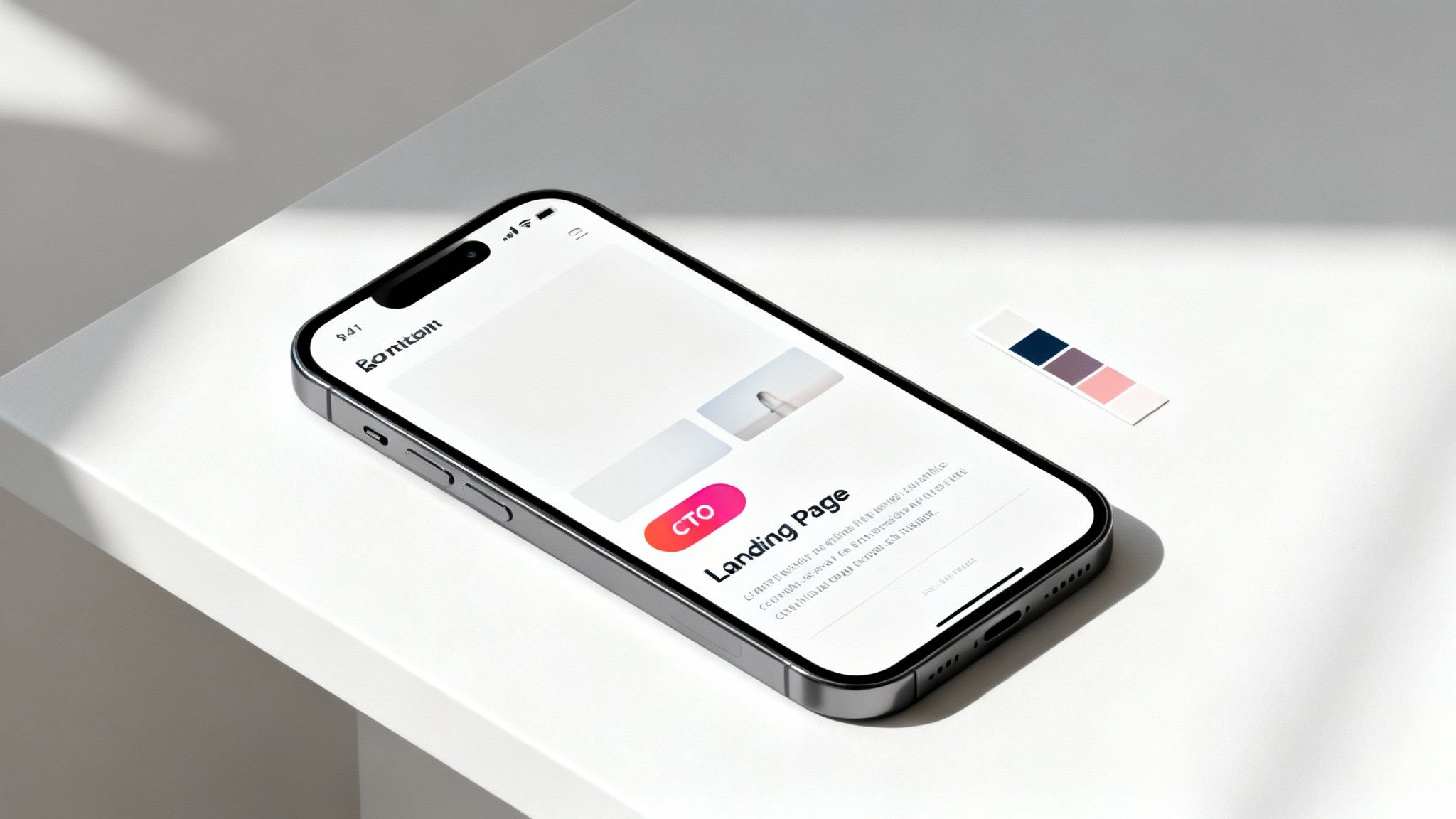
Visual hierarchy is the art of arranging elements to show what’s most important. You’re essentially telling the visitor’s brain, “Look here first, then here, then here.” This isn't about manipulation; it's about creating clarity.
You can nail this with a few simple principles:
- Size: Your headline should be the biggest thing on the page. No question. Subheadings come next, followed by your body text. It’s a simple but effective way to direct attention.
- Colour and Contrast: Use bright, contrasting colours for the elements you can't afford for them to miss—especially your call-to-action (CTA) button. A vibrant orange button on a muted blue background is almost impossible to ignore.
- White Space: Don't be afraid of empty space. Seriously. White space (or negative space) is the breathing room around your text and images. It cuts through the clutter, makes key elements pop, and gives your page a calm, professional feel.
Get these elements right, and you create a natural path for the user's eye to follow, leading them straight to the information they need and, ultimately, to your CTA.
Choosing Powerful and Relevant Visuals
Images and videos aren't just there to fill space; they're powerful communication tools. The right visual can spark emotion, demonstrate how a product works, and build trust far quicker than words ever could. It’s been said that the human brain processes images 60,000 times faster than text, which gives you an idea of their impact.
When you're picking visuals, ask yourself these questions:
- Does this actually support my main message? A generic stock photo of people smiling in a boardroom won't help you sell accounting software. A screenshot of your clean, easy-to-use dashboard absolutely will.
- Does it show a real person or result? Photos of actual customers using your product are infinitely more compelling than polished, staged shots with models. Authenticity sells.
- Is it high-quality but still web-friendly? Your images have to be crisp and professional, but they also need to be optimised. Massive, uncompressed images are the number one cause of slow-loading pages.
Your visuals should work in service of your copy, not compete with it. A great image makes your value proposition more tangible and your promises more believable.
Embracing a Mobile-First Design
It’s no longer good enough for your landing page to just look okay on a desktop. In Australia, mobile devices drive the majority of web traffic. That means your page must be designed for the small screen first.
Adopting a mobile-first approach forces you to design the mobile experience before the desktop one. This makes you prioritise what's truly essential, resulting in a clean, simple layout that works perfectly on a phone.
Put yourself in the user's shoes:
- Can I read the text without pinching and zooming?
- Are the buttons big enough to tap easily with a thumb?
- Does the page load quickly on a 4G connection, not just on Wi-Fi?
A frustrating mobile experience is one of the fastest ways to lose a potential customer. By designing for mobile first, you ensure that every single visitor—no matter their device—has a smooth and positive interaction with your brand. This isn't just a best practice anymore; it's non-negotiable for any landing page that's serious about converting.
Optimising Forms and Nailing Your Technical Setup
You can have the most persuasive copy and a jaw-dropping design, but if your form is a pain to fill out, you've lost. The form is the final hurdle—it's where a visitor becomes a lead or a customer. It's also precisely where unnecessary friction sends conversion rates plummeting. Getting your forms and the underlying technical setup right is the last, critical piece of the puzzle.
It all comes down to a bit of a balancing act. You need enough information to qualify a lead or process an order, but every single field you add is another reason for someone to give up and leave. The trick is to ask for the absolute bare minimum you need to take the next step. If someone's downloading an e-book, do you really need their phone number? Almost certainly not. An email address is plenty.
Designing a Frictionless Form
Once you’ve trimmed the fat and your form only asks for the essentials, the design itself needs to feel effortless. People shouldn't have to think. It's the small details here that make a massive difference to the user experience.
Keep these best practices in mind:
- Use Clear Labels: Don't ever use placeholder text (the greyed-out text inside a field) as a label. The second someone starts typing, it vanishes, and they can easily forget what the field was for. Always use static labels that sit above the form field.
- Provide Helpful Error Messages: Nothing is more infuriating than a vague "Invalid input" error. Be specific. If an email is formatted wrong, your message should say, "Please enter a valid email address."
- Stick to a Single-Column Layout: Multiple columns can disrupt a user’s natural top-to-bottom reading flow and create confusion. A single, clean column is almost always the better choice, especially on mobile.
- Make Your CTA Button Pop: The submit button should be unmissable. Use a bold, contrasting colour and action-oriented text. "Get Your Free Quote" is infinitely better than a lifeless "Submit."
Setting Up Conversion Tracking
Here's a hard truth: if you don't measure it, you can't improve it. This is where so many businesses fall down. Without proper tracking, you’re just flying blind, throwing money at campaigns without knowing which ones are working and which are a complete waste. Setting up conversion tracking isn't optional; it's essential.
The goal is to attribute every single lead or sale back to its original source. You need to know with certainty whether a conversion came from a specific Google Ad, a Facebook campaign, or that email newsletter you sent out last week.
A beautiful landing page is a total failure if you can't prove it's actually working. Conversion tracking turns your marketing from expensive guesswork into a data-driven science, showing you exactly where to double down and what to cut.
In the Australian market, well-optimised lead-gen pages backed by targeted campaigns often see conversion rates between 5% and 20%. This just shows the huge potential when you get the technical details right.
Using UTM Parameters for Campaign Clarity
This is where Urchin Tracking Module (UTM) parameters come into play. They're just simple tags you add to the end of your URL that tell analytics tools exactly where a visitor came from. They don't change the page for the user, but they feed mission-critical data into your reports.
A UTM-tagged URL can look a bit long, but it’s packed with vital info:
utm_source: Identifies the platform, likegoogle,facebook, orlinkedin.utm_medium: Specifies the marketing medium, such ascpc(for paid ads) oremail.utm_campaign: Names your specific campaign, likewinter-sale-2024.
Using these tags consistently is what allows you to look at Google Analytics and see that your "Winter Sale 2024" campaign on Google Ads brought in 50 leads, while the same campaign on Facebook only managed 10. That's the kind of insight that completely transforms how you allocate your marketing budget.
For a deeper dive, explore these expert strategies for landing page optimisation. Getting this right is foundational, so check out our detailed guide on implementing website conversion tracking to make sure you don't miss a thing.
Right, your landing page is live. Pop the champagne? Not quite.
Launching your page isn't the finish line; it's the starting gun. From this moment on, you're collecting real-world data on how people actually behave on your page. This feedback is pure gold, giving you the insights needed to turn a good page into a high-converting machine.
Too many businesses fall into the "set and forget" trap. They build a page, drive some traffic, see a few results, and move on to the next shiny object. But here's the secret: the most successful campaigns are built on a foundation of constant optimisation. It’s an ongoing process of tweaking, testing, and improving performance over time.
This cycle of forming a hypothesis, running a clean test, measuring the results, and applying what you've learned is what separates average results from exceptional ones.
Introducing A/B Testing Your Key Elements
The cornerstone of all this is A/B testing, sometimes called split testing. The concept is beautifully simple: you create two versions of your page (an 'A' version and a 'B' version), show each to a different slice of your audience, and see which one performs better against your goal.
This isn't about guesswork or changing things because of a gut feeling. A/B testing is a scientific method for understanding what truly motivates your audience to act. The trick is to only change one single element at a time—like the headline, the call-to-action button colour, or the main image. This ensures you can confidently attribute any change in performance directly to that one specific alteration.
For example, you might test:
- A benefit-driven headline vs. a question-based headline.
- A green "Get Started" button vs. an orange "Try for Free" button.
- An image of your product in use vs. a testimonial video from a happy customer.
The key is to be systematic. Run one test at a time until you have a statistically significant result, then roll out the winning version as your new control and start a fresh test on a different element.
Key Metrics to Monitor in Your Analytics
To figure out if your tests are actually working, you need to be watching the right numbers in your analytics dashboard, like Google Analytics 4. While your main conversion goal (e.g., form submissions or sales) is the ultimate measure of success, other metrics give you crucial context about why people are behaving the way they are.
Here are the vital signs to keep an eye on:
- Conversion Rate: The percentage of visitors who complete your desired goal. This is your North Star metric, the one that matters most.
- Bounce Rate: The percentage of visitors who land on your page and leave without doing anything. A high bounce rate often signals a major disconnect between your ad and your landing page message.
- Average Engagement Time: How long people are actively engaged with your page. Longer times can indicate that your copy and visuals are holding their attention.
- Conversion Funnel Drop-off: If your process has multiple steps (like an e-commerce checkout), this shows you exactly where users are abandoning the process.
This process of tracking user behaviour, measuring results, and refining your page is a powerful, continuous loop.
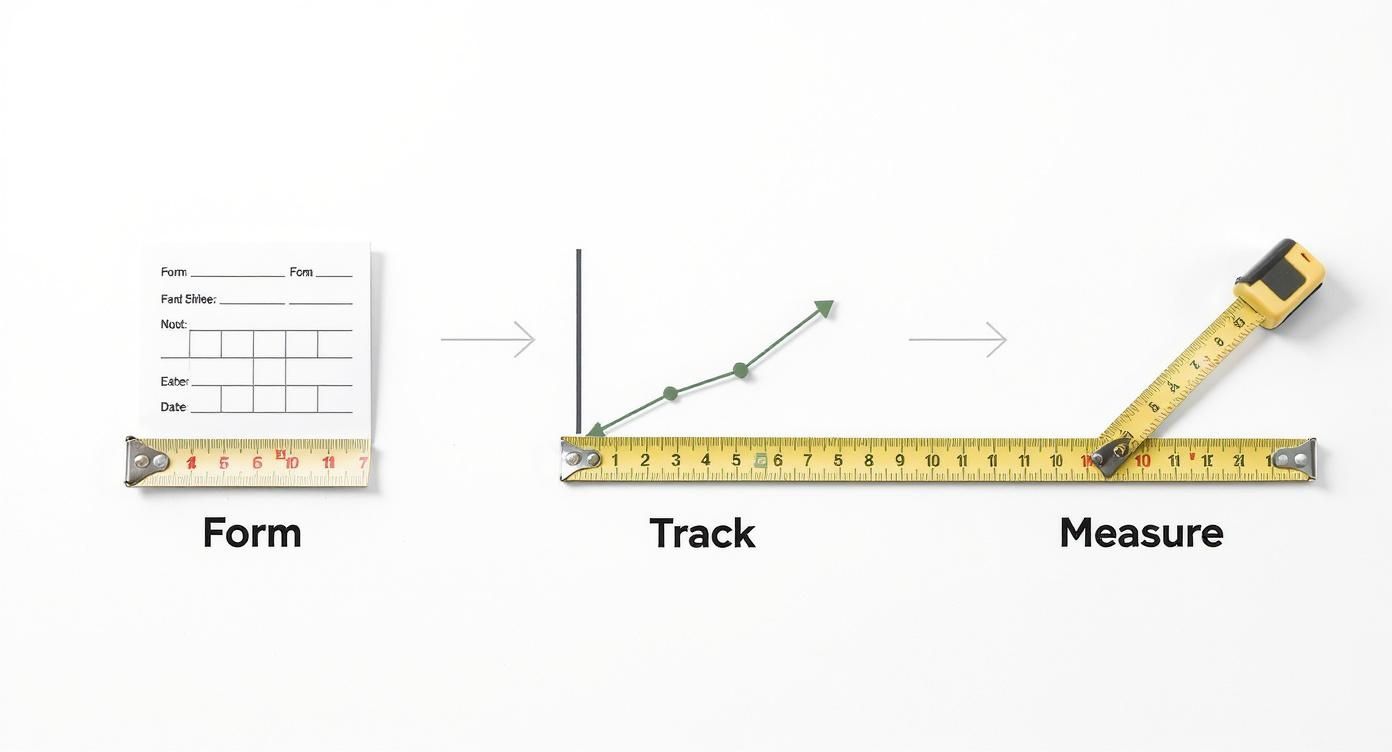
This visual really drives home the point that optimisation is a cycle, not a one-and-done task.
Creating a Simple Testing Framework
To avoid random testing that just leads to confusing results, you need a simple framework. This starts with having a clear hypothesis for every single test you run.
A strong testing hypothesis isn't just a guess. It's an educated statement that follows a simple structure: "If I change [Independent Variable], then [Dependent Variable] will happen, because [Rationale]."
This structure forces you to think critically about why you're running the test and what you actually expect to learn from it.
Let's use a real-world scenario. Imagine your current CTA button says "Submit." You suspect this is way too generic and doesn't offer any value.
Your hypothesis could be: "If I change the CTA button text from 'Submit' to 'Get My Free E-book', then the form submission rate will increase, because the new copy clearly communicates the value the user will get immediately after clicking."
See how that gives your testing a clear purpose? It makes it much easier to analyse the results and decide on what to test next.
To give you a head start, here’s a quick-and-dirty list of where to focus your initial A/B testing efforts for the biggest potential wins.
A/B Testing Priority Checklist
| Element to Test | Why It Matters | Example Test Idea |
|---|---|---|
| Headline & Sub-headline | This is the first thing visitors read. It must grab attention and convey the core value proposition instantly. | Test a benefit-focused headline ("Save 2 Hours a Day") vs. a pain-point-focused one ("Tired of Wasting Time?"). |
| Call to Action (CTA) | The CTA button is the final step. The text, colour, size, and placement all have a huge impact on clicks. | Test button copy: "Request a Demo" vs. "See It in Action". Test colour: Green vs. Orange. |
| Hero Image/Video | The main visual sets the tone and should connect emotionally with the visitor, showing the product or desired outcome. | Test a product shot vs. an image of a person using the product. Test a static image vs. a short video. |
| Form Fields | The length and complexity of your form directly affect completion rates. Fewer fields usually mean more leads. | Test a 3-field form (Name, Email, Company) vs. a 5-field form that adds Phone and Job Title. |
| Social Proof | Testimonials, logos, and reviews build trust and credibility, reducing friction for hesitant visitors. | Test written testimonials vs. video testimonials. Test displaying client logos vs. a star rating from a review site. |
| Page Layout & Flow | The order and structure of your content guide the user's journey. Small changes can have a big impact. | Test putting your main benefits above the fold vs. placing social proof higher up on the page. |
Start with the elements at the top of this list, as they often deliver the most significant improvements. Once you have a winner, make it the new default and move on to testing the next element.
For a more structured approach, our comprehensive landing page optimization checklist can help guide your priorities. By consistently measuring, testing, and refining, you'll build a powerful feedback loop that drives sustainable growth for all your campaigns.
Common Landing Page Questions
As you get deeper into building landing pages, a few questions always seem to come up. I’ve seen them pop up in countless campaigns over the years, so let's get you some clear, practical answers.
What Is the Ideal Length for a Landing Page?
There's no magic number here. The right length boils down to two things: how complex your offer is and how much commitment you’re asking for. The guiding principle is simple: be as long as you need to be to persuade someone, but not a single word longer.
For a simple, low-risk ask like a newsletter sign-up, a short and punchy page that keeps everything "above the fold" usually does the trick. But if you're selling a high-ticket product or a complex B2B service, you'll likely need a longer page to tackle every possible objection, build trust with social proof, and fully lay out the value.
A landing page should be like a movie trailer—it gives away just enough to get you excited and make you want to see the full show, without bogging you down with unnecessary details.
My advice? Start with what feels right for your offer. Then, test different lengths to see what actually resonates with your audience.
How Many Form Fields Should I Use?
When it comes to forms, the golden rule is fewer is better. Every single field you add creates friction and gives a potential lead another reason to bail. Your goal is to ask for the absolute bare minimum you need to take the next logical step.
Think about it like this:
- Top-of-funnel offers (e-books, checklists, etc.): An email address is often all you need. The goal here is to make the barrier to entry as low as humanly possible.
- Bottom-of-funnel offers (sales demos, quotes): This is where you'll need more info to qualify the lead, like their name, company, and phone number. Just make sure every field is genuinely critical for your sales process.
Always challenge whether you really need each field. A great test is to remove one field you think is non-essential and see if your conversion rate ticks up. You'd be surprised how often it does.
Should I Use a Template or Build from Scratch?
For the vast majority of businesses, especially if you're just starting out, using a professionally designed template is the smartest, most efficient way to go. Reputable landing page builders offer templates that are already optimised for conversions and mobile-responsive right out of the box.
Building from scratch gives you total creative freedom, sure, but it demands serious design and development resources. That can get expensive and time-consuming fast.
A good middle ground is to start with a high-quality template that fits your brand's vibe. From there, you can customise the copy, images, colours, and messaging to perfectly match your campaign. You get the best of both worlds—a solid, conversion-focused foundation and a page that feels uniquely yours.
At Click Click Bang Bang, we specialise in creating and optimising high-converting landing pages as part of our data-driven PPC and SEO strategies. If you're ready to turn more clicks into customers, explore our services at https://clickclickbangbang.com.au.
Read NeXt
Or Read Our Latest
- What Is Brand Positioning and Why It Drives Growth
- Push vs Pull Marketing: A 2026 Decision Guide
- Ad Relevance Score Explained: How It Impacts PPC Performance
- Best ROI Digital Marketing: 10 Channels Ranked for 2026
- Localization Strategy: How to Win in Any Market
- Phone Call Tracking: Methods, Metrics, and Best Practices
Click. CLick. Subscribe.
Get our best PPC insights, industry updates, and power moves delivered straight to your inbox. No fluff, just high-caliber strategies that actually work.
Don’t Leave Just Yet
Try Us For 30-Days,
Risk Free!!
We guarantee that you’ll love our work within the first 30 days, if not you’ll get your money back.
What have you got to lose?